
v1.1.2
网易云浏览更快Faster NetEase browsing
- 连续请求复用网络连接,不再每次重新握手,在 Steam Deck 上连续浏览时整体耗时约减少四分之一。Back-to-back requests now reuse connections instead of re-handshaking, cutting total browsing time on Steam Deck by about a quarter.
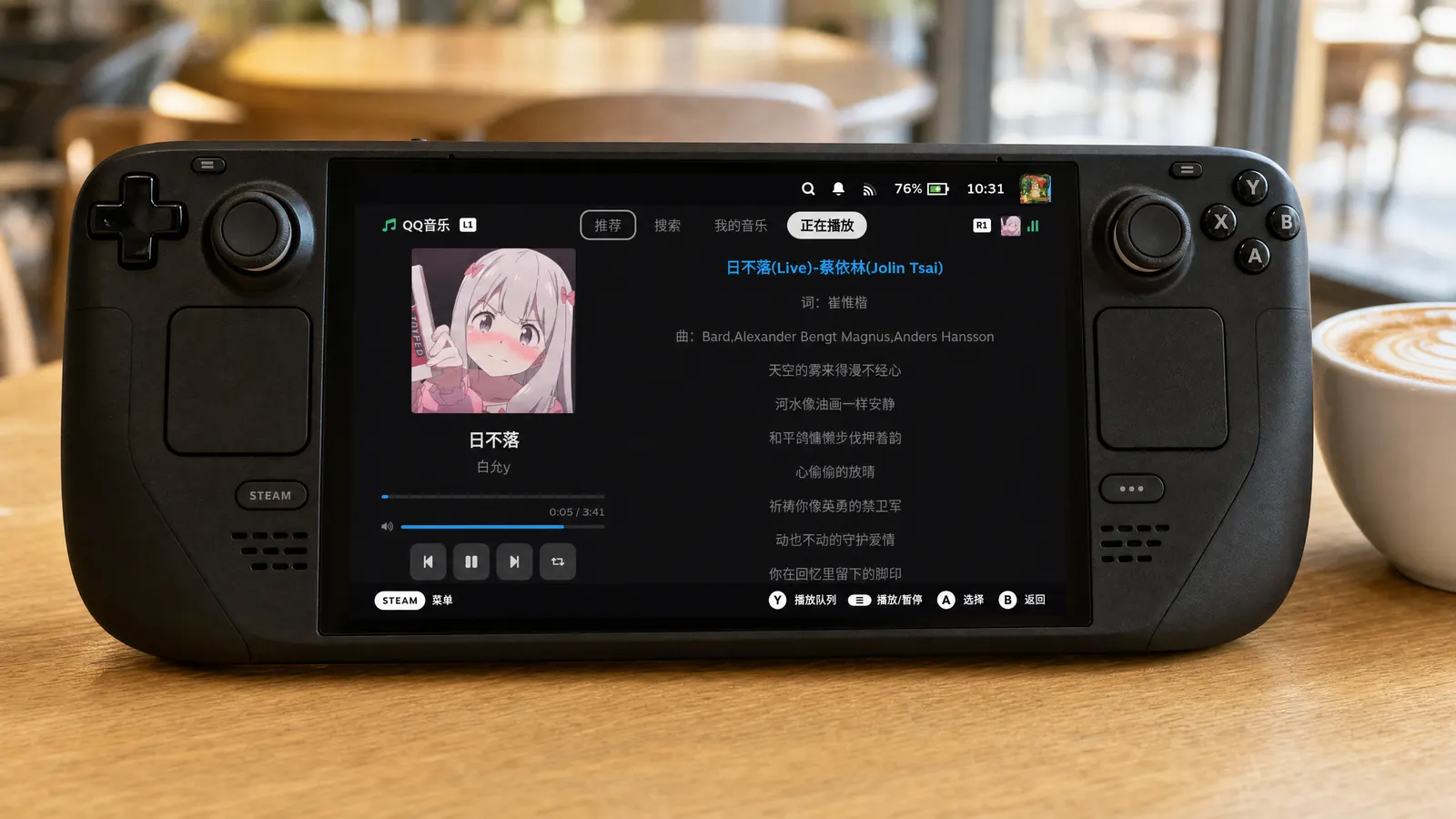

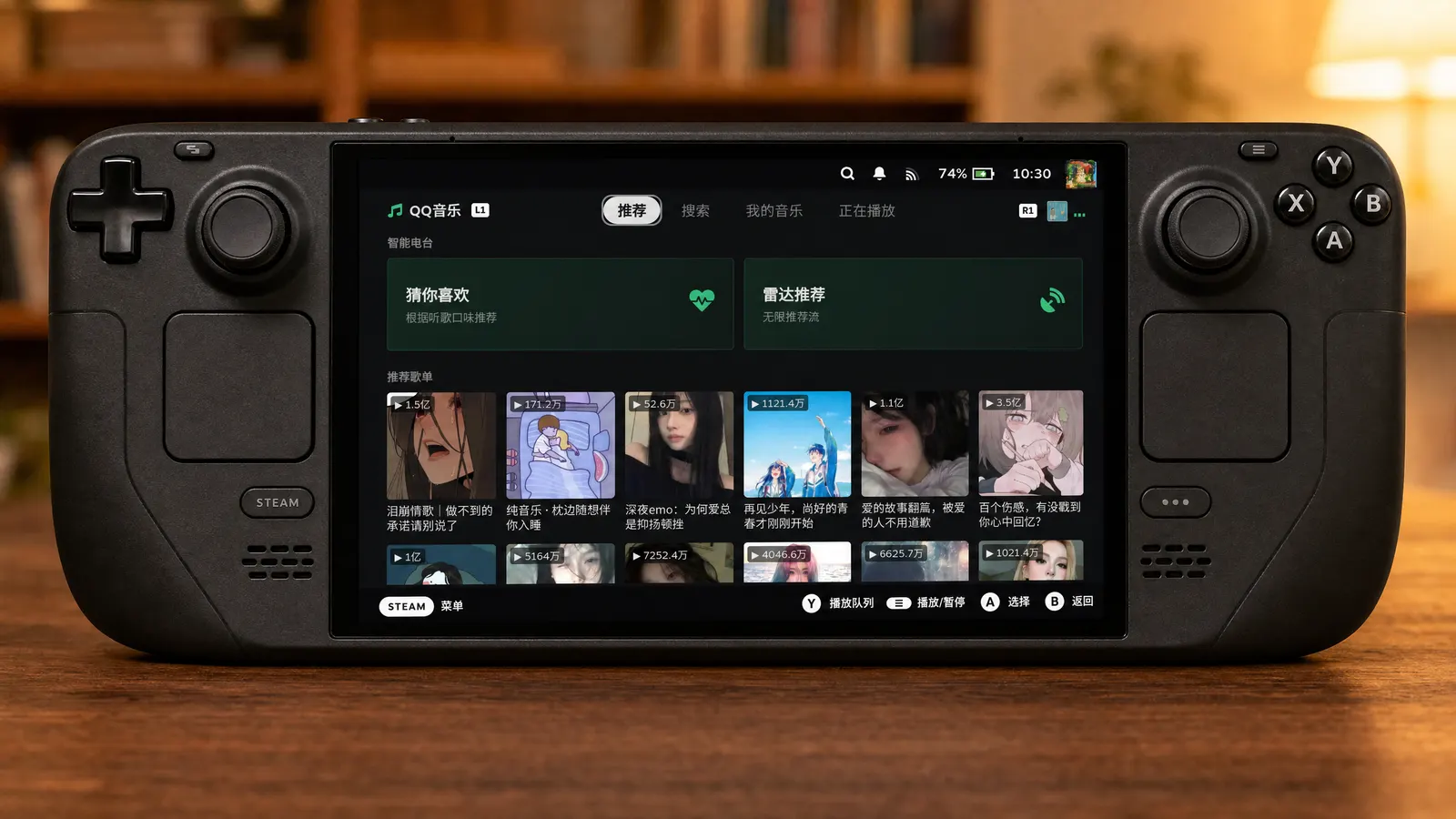
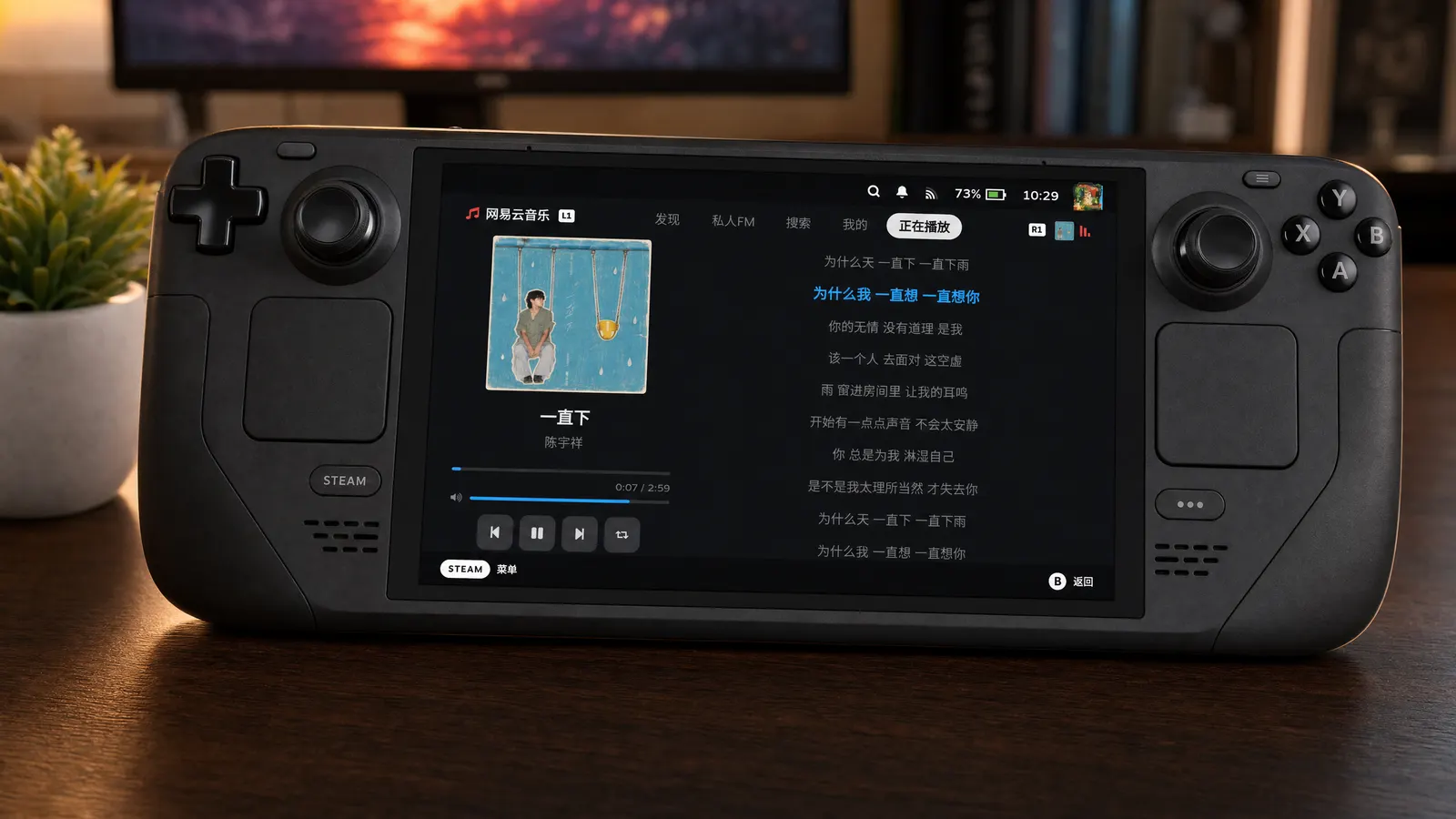

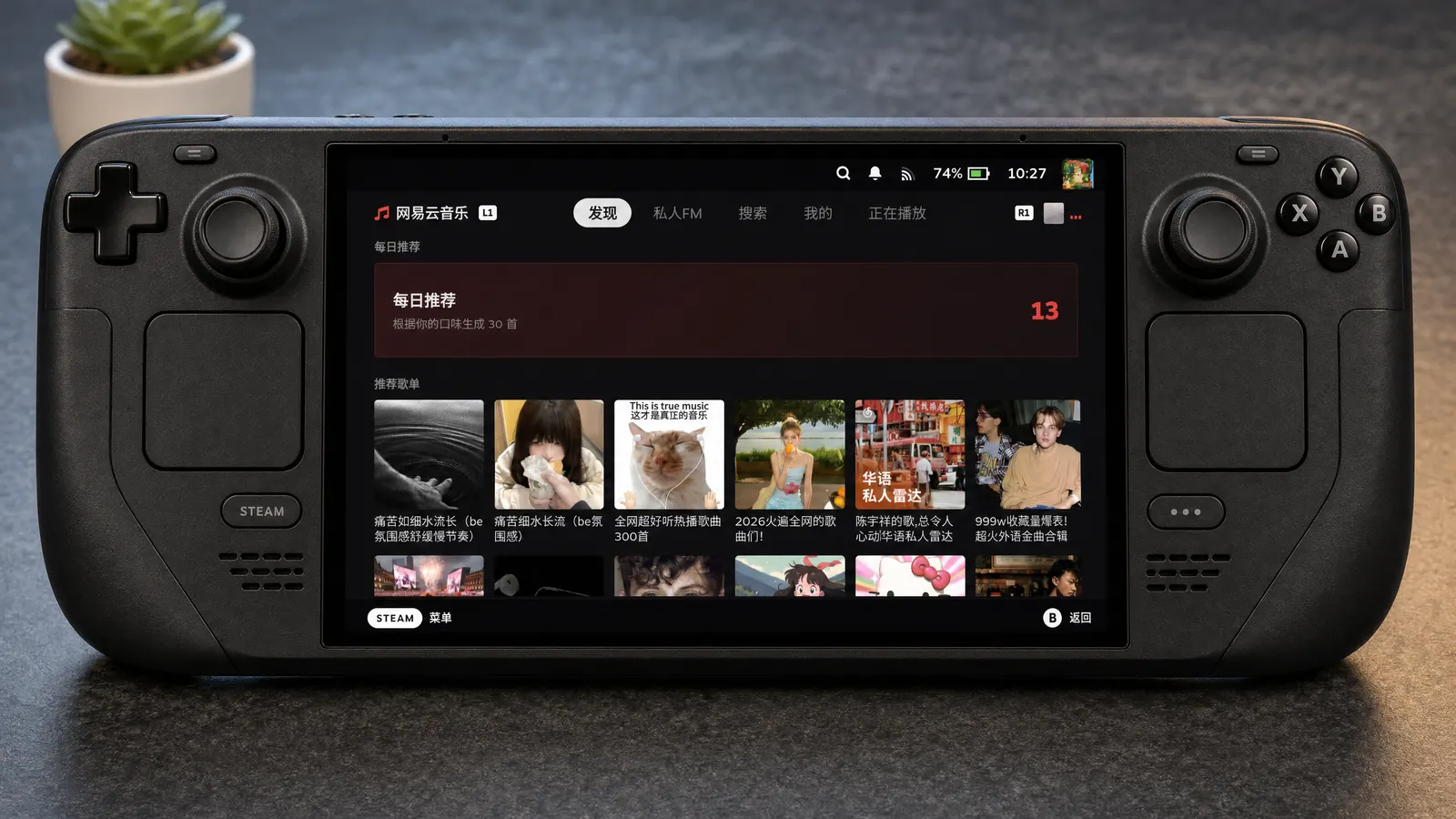
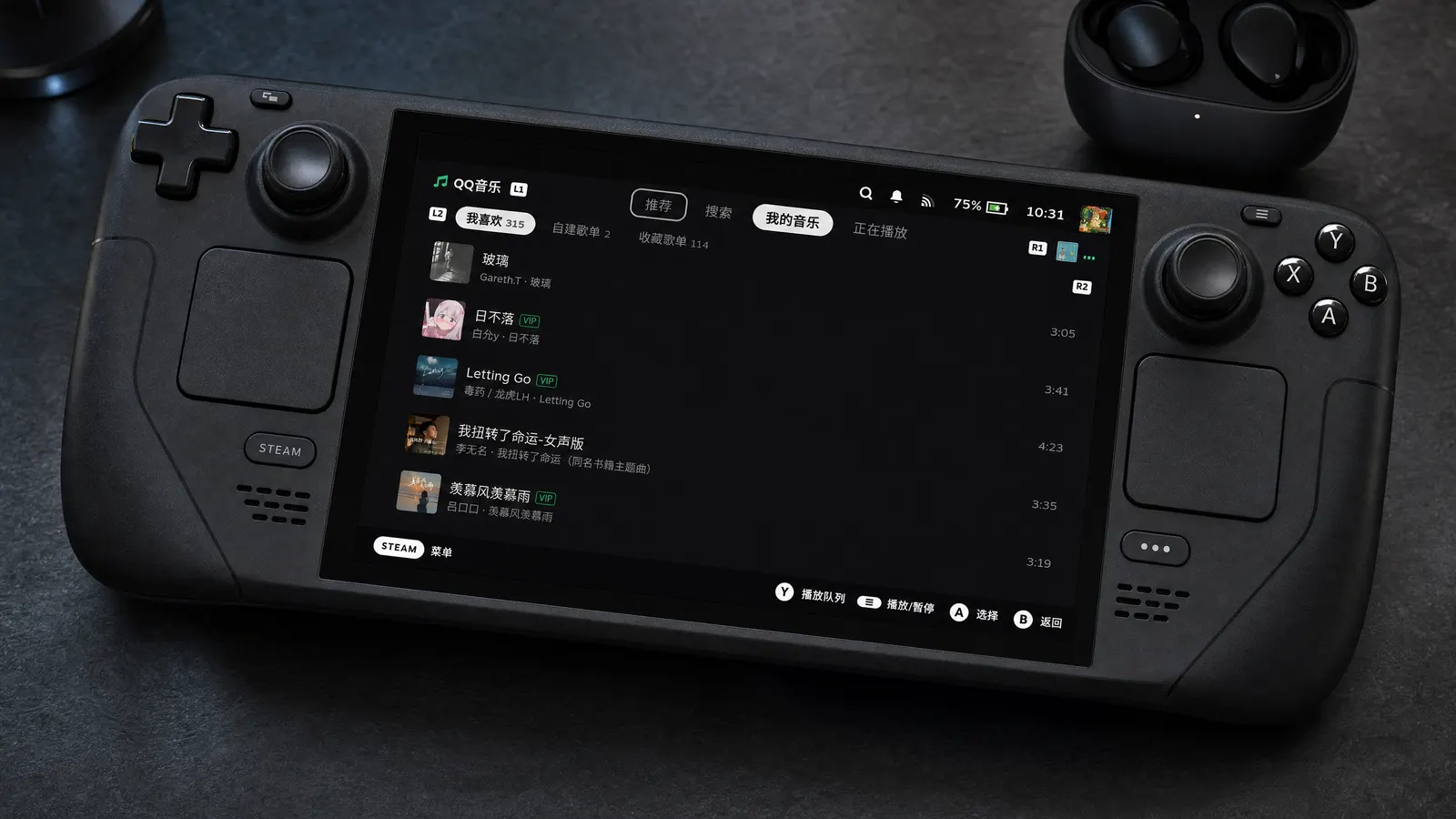
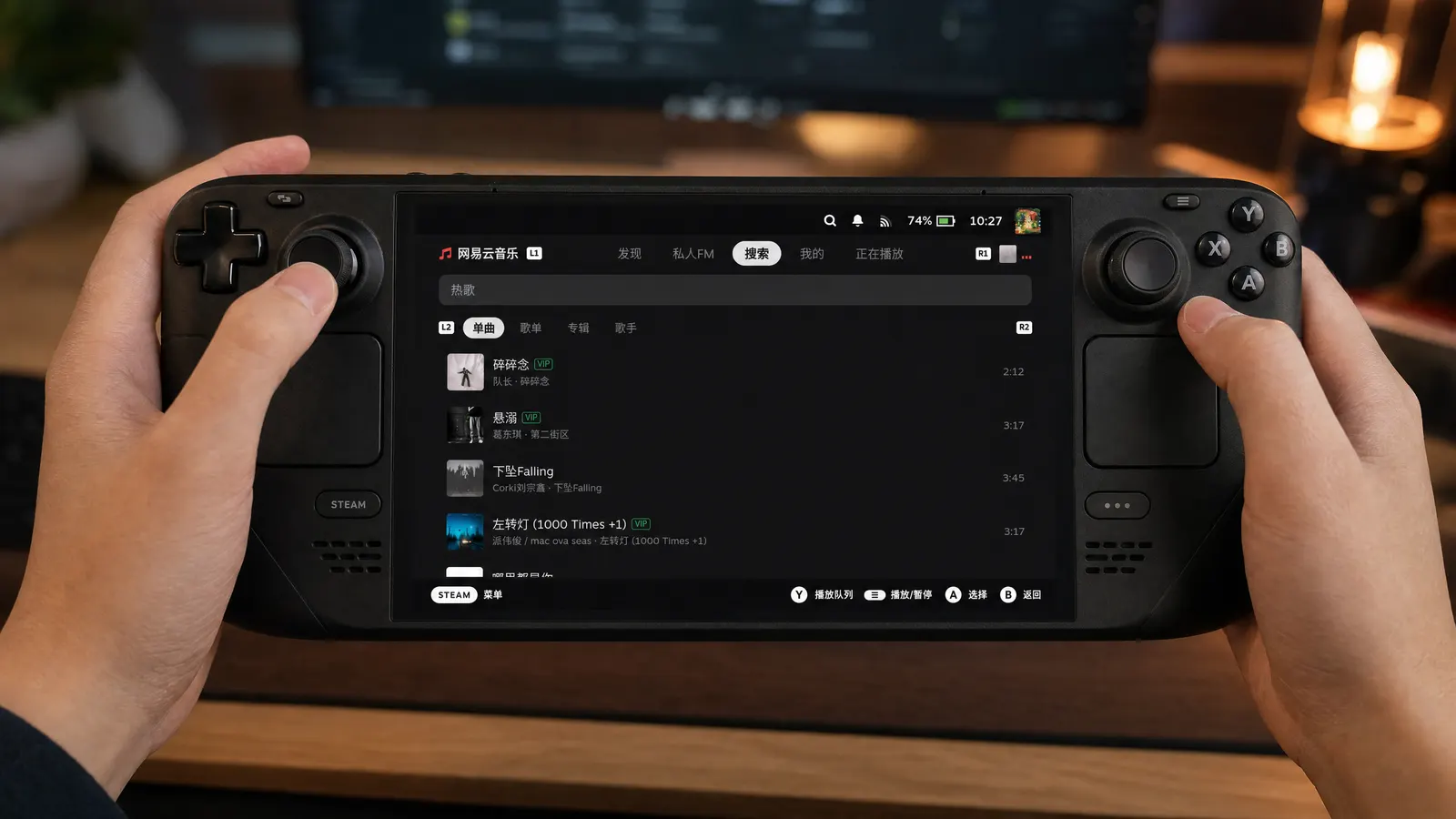

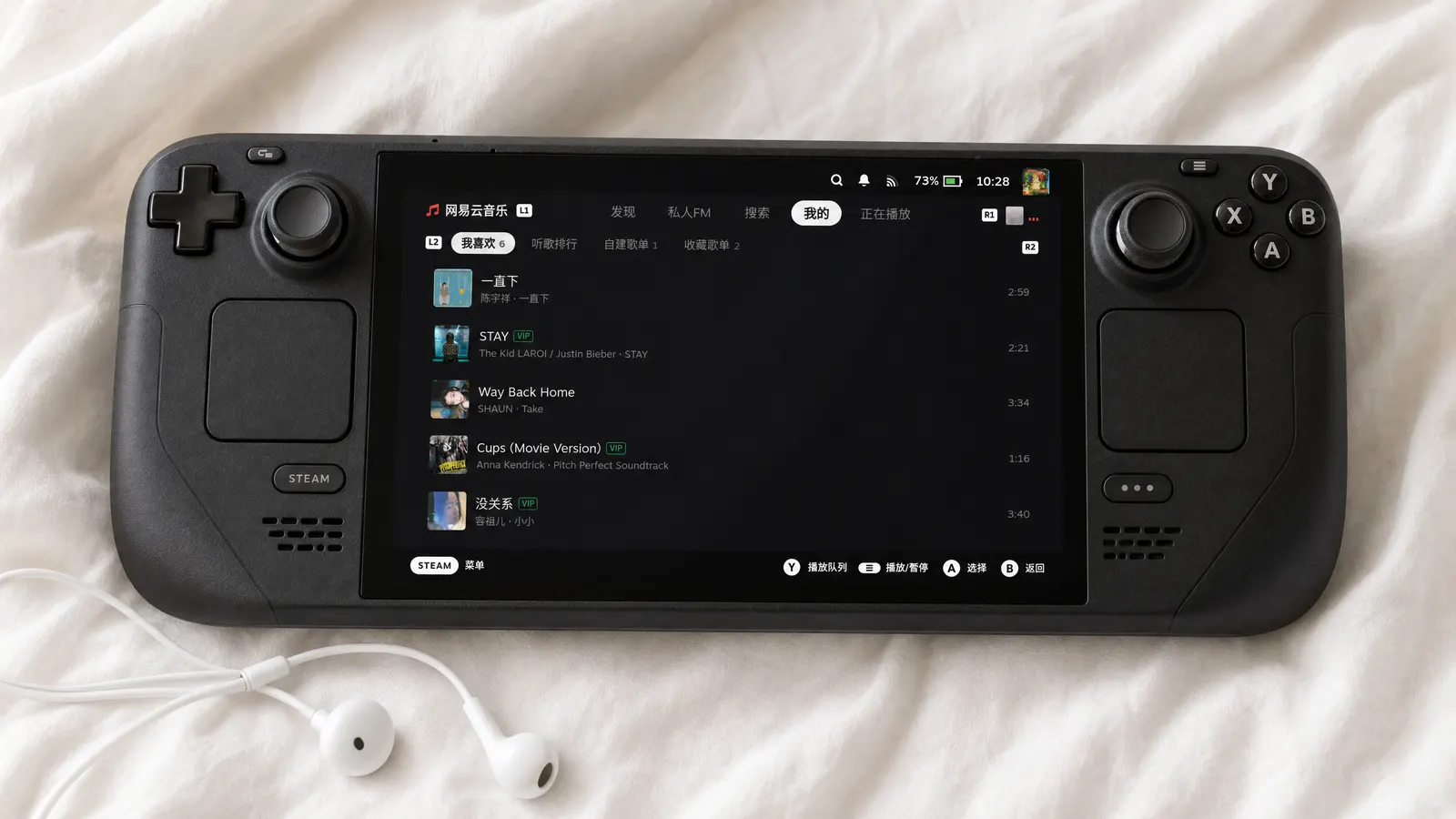
标准版 · 从 GitHub 下载。安装时 Decky 会按 SHA-256 校验并拉取两个后端二进制。 Standard · served from GitHub. Decky downloads both backend binaries during install and verifies their SHA-256.
CN 版 · 插件包和两个二进制全部走 Cloudflare 镜像,访问 GitHub 慢或不稳时推荐。功能与标准版完全一致,二进制字节相同。 CN build · the package and both binaries come from a Cloudflare mirror. Same features and byte-identical binaries — pick it when GitHub is slow.
二进制已打进包内,安装过程零下载,适合网络受限的环境;升级时请整包重装。 Binaries are bundled, so installing downloads nothing else — handy on restricted networks. Reinstall the whole bundle to upgrade.
Manual Plugin Install,粘贴链接并安装。
In Decky settings, find Manual Plugin Install, paste the URL and
install.
⚠ Steam 客户端 1784934043 及更新版本需要 Decky Loader v3.2.8-pre1 或更高版本;请勿使用 GitHub 自动生成的 Source code 压缩包。 ⚠ Steam client 1784934043 and newer needs Decky Loader v3.2.8-pre1 or later. Don’t use GitHub’s auto-generated “Source code” archives.
Decky Music 把一整套音乐 App 装进了 SteamOS 游戏模式。它不是网页套壳:界面按 Steam Deck 的大屏与手柄重新设计,音乐服务、播放队列和音频输出跑在独立的 Rust 进程里——网络慢、解码忙、后端出错,都不会卡住你的 Steam。 Decky Music puts a complete music app inside SteamOS Game Mode. It isn’t a wrapped web page: the UI is designed for the Deck’s screen and controller, while music services, the play queue and audio output run in separate Rust processes — slow networks, busy decoders or backend errors never freeze Steam.
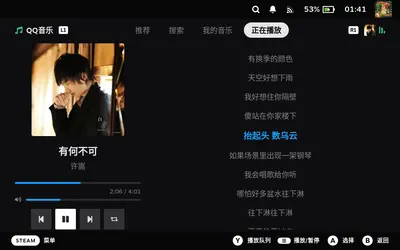
QQ 音乐与网易云音乐同时支持,在快捷菜单里一键切换。推荐、榜单、分类搜索、歌单 / 专辑 / 歌手详情、我喜欢与收藏歌单都在;正在播放页有同步歌词与翻译,网易云还支持逐字歌词和热评。 Both QQ Music and NetEase Cloud Music, switchable from the Quick Access menu. Recommendations, charts, categorised search, playlist / album / artist pages, liked songs and saved playlists — plus synced, translated lyrics, with word-by-word lyrics and hot comments on NetEase.
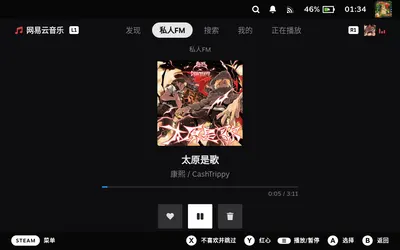
离开插件、进入游戏后继续连续播放。私人 FM、猜你喜欢、雷达推荐等电台无限续播;蓝牙耳机按键和系统媒体控件(MPRIS)可直接控制;播放出错时会弹 Steam 系统通知,玩游戏时也看得到。 Playback continues after you leave the plugin and launch a game. Endless radio (Personal FM, Guess-you-like, Radar), headset buttons and system media controls via MPRIS, and a Steam toast if something goes wrong — even mid-game.
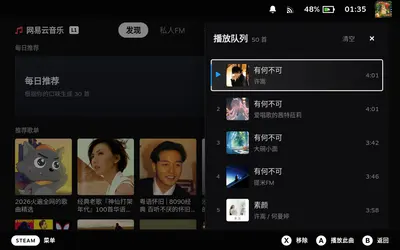
后端崩了会自动拉起并重注登录态;网络断了,下次按播放键从中断处接着放;上游超时先原地重试,不会悄悄跳歌。音质可选标准 / 高品质 / 无损三档上限,拿不到就逐档降级。 Crashed backends restart and re-apply your login. Lost the network? Press play and it resumes where it stopped. Upstream timeouts retry in place instead of silently skipping. Choose a Standard / High / Lossless quality cap with graceful fallback.
| QQ 音乐QQ Music | 网易云音乐NetEase Cloud Music | |
|---|---|---|
| 扫码登录QR login | 手机 QQ 或微信扫码Mobile QQ or WeChat | 网易云音乐 App 扫码NetEase Cloud Music app |
| 推荐与发现Discover | 推荐歌单、新歌首发、猜你喜欢、雷达推荐、榜单Playlists, new releases, Guess-you-like, Radar, charts | 每日推荐、推荐歌单、私人 FM、榜单Daily picks, playlists, Personal FM, charts |
| 搜索Search | 热搜;歌曲 / 歌单 / 专辑 / 歌手分类搜索与分页Trending; songs / playlists / albums / artists with paging | |
| 我的音乐Library | 喜欢的歌曲、自建歌单、收藏歌单Liked songs, created & saved playlists | 喜欢的歌曲、听歌排行、自建歌单、收藏歌单Liked songs, listening rank, created & saved playlists |
| 电台Radio | 猜你喜欢、雷达推荐Guess-you-like, Radar | 私人 FM(红心 / 垃圾桶)Personal FM (like / trash) |
| 歌词Lyrics | 同步歌词与翻译Synced + translation | 逐字歌词、翻译与热评Word-synced, translation, hot comments |
全部为 Steam Deck 游戏模式下的原始截图(1280×800),未经修饰。点击查看大图,键盘 ← → 翻页。 Unretouched captures from a Steam Deck in Game Mode (1280×800). Click to enlarge; use ← → to browse.
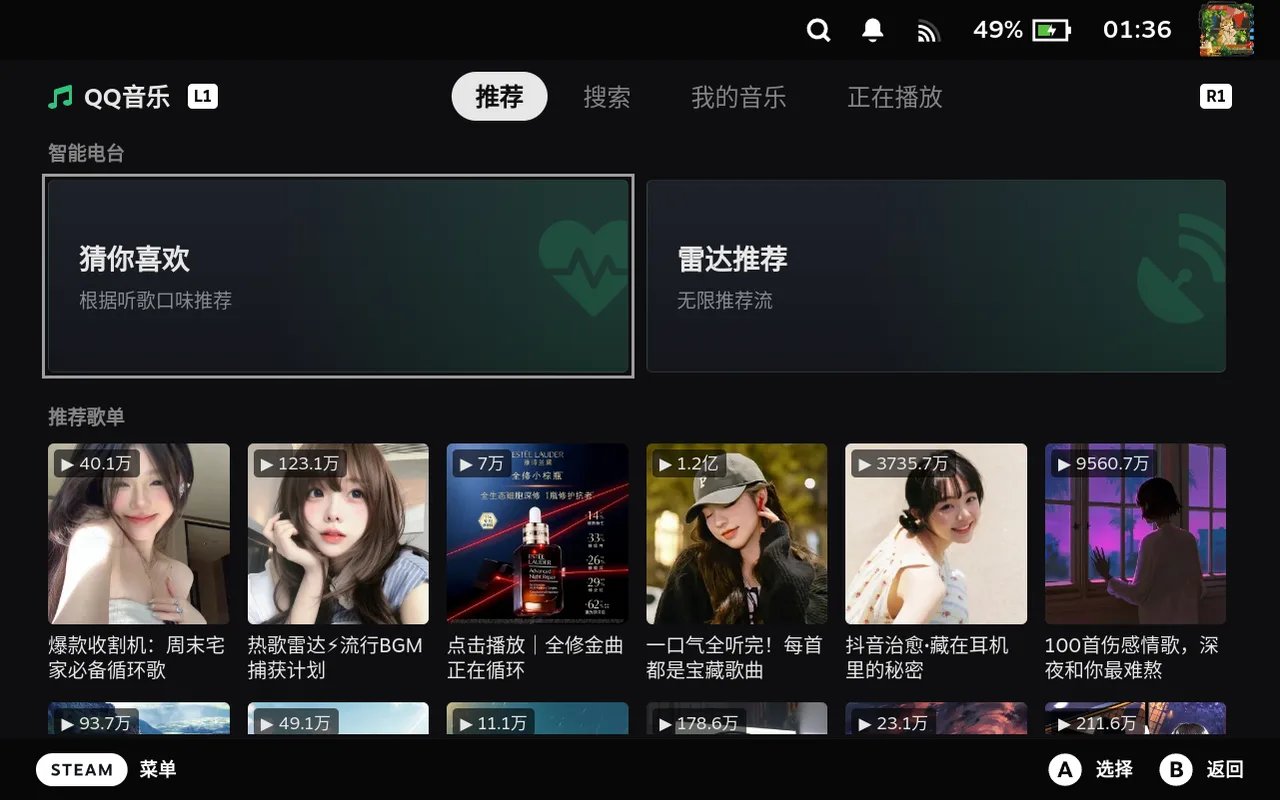 首页推荐Home
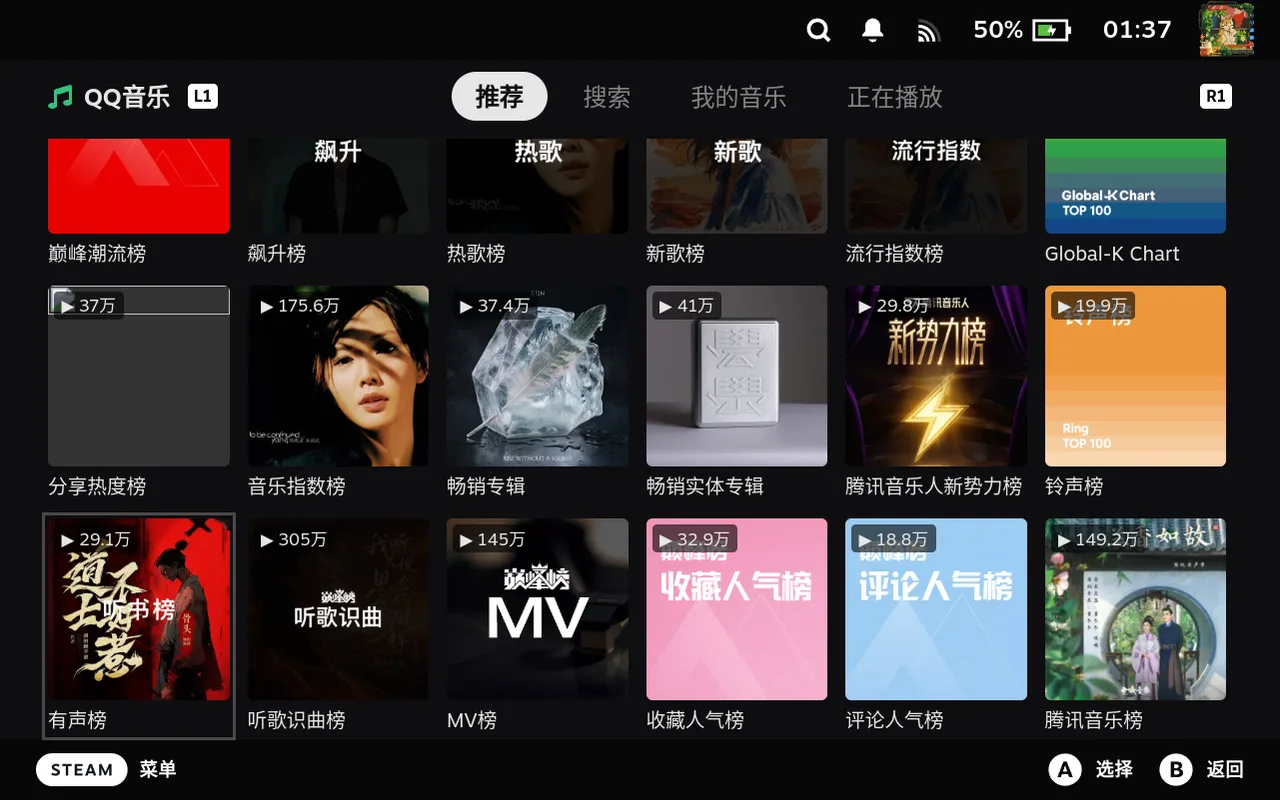 排行榜Charts
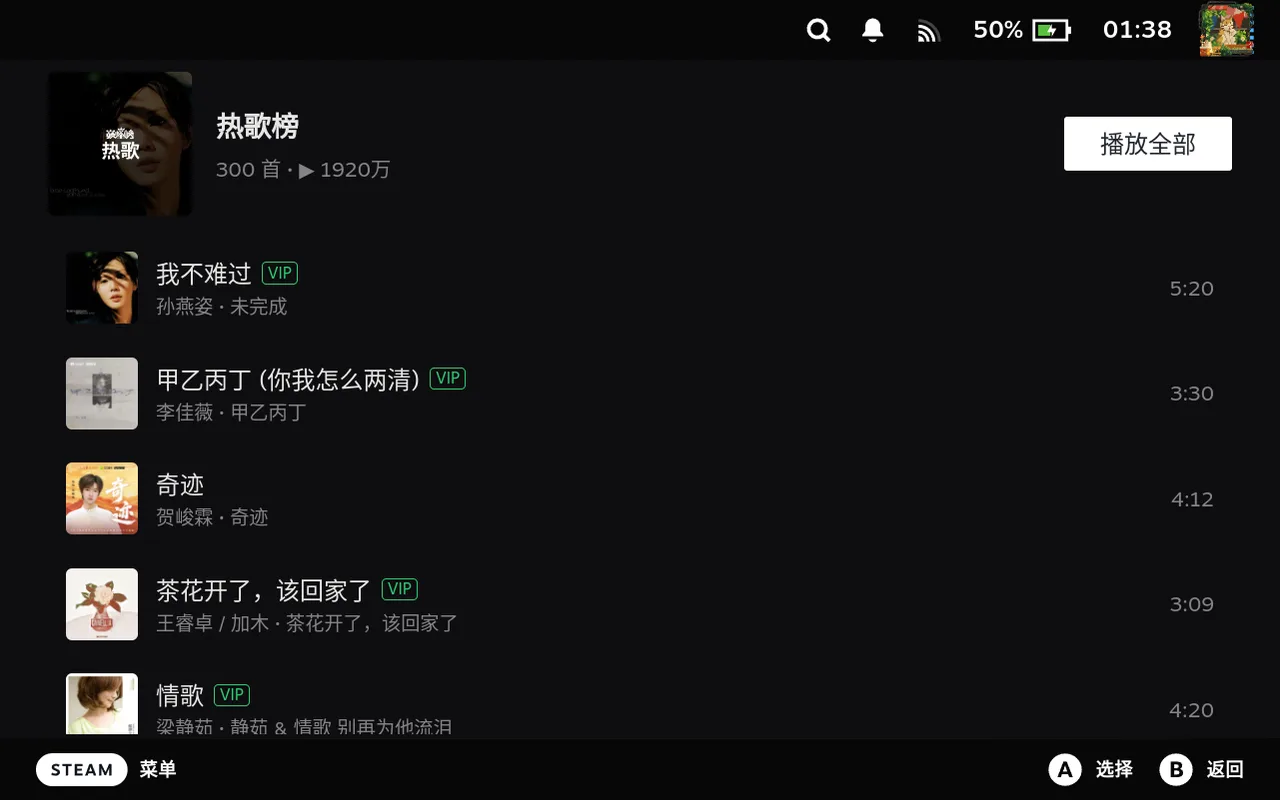 榜单详情Chart detail
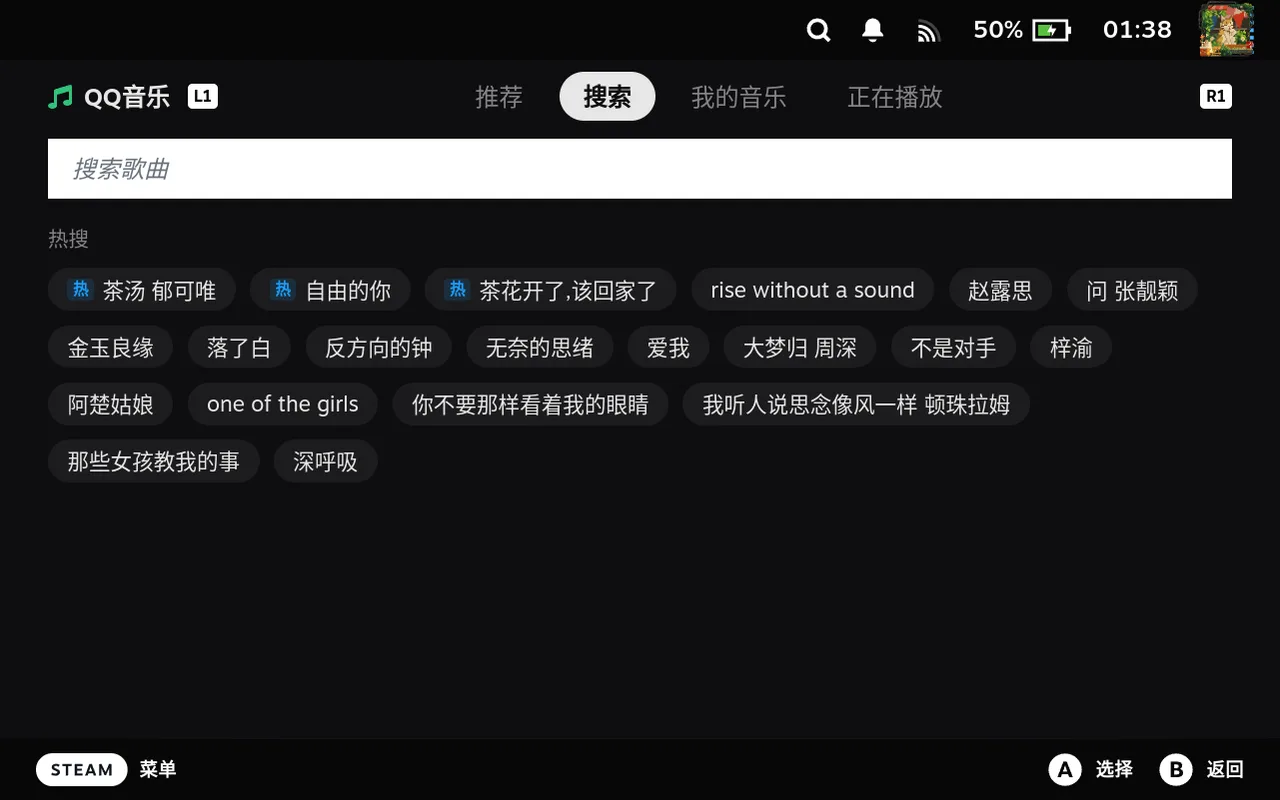 热搜Trending searches
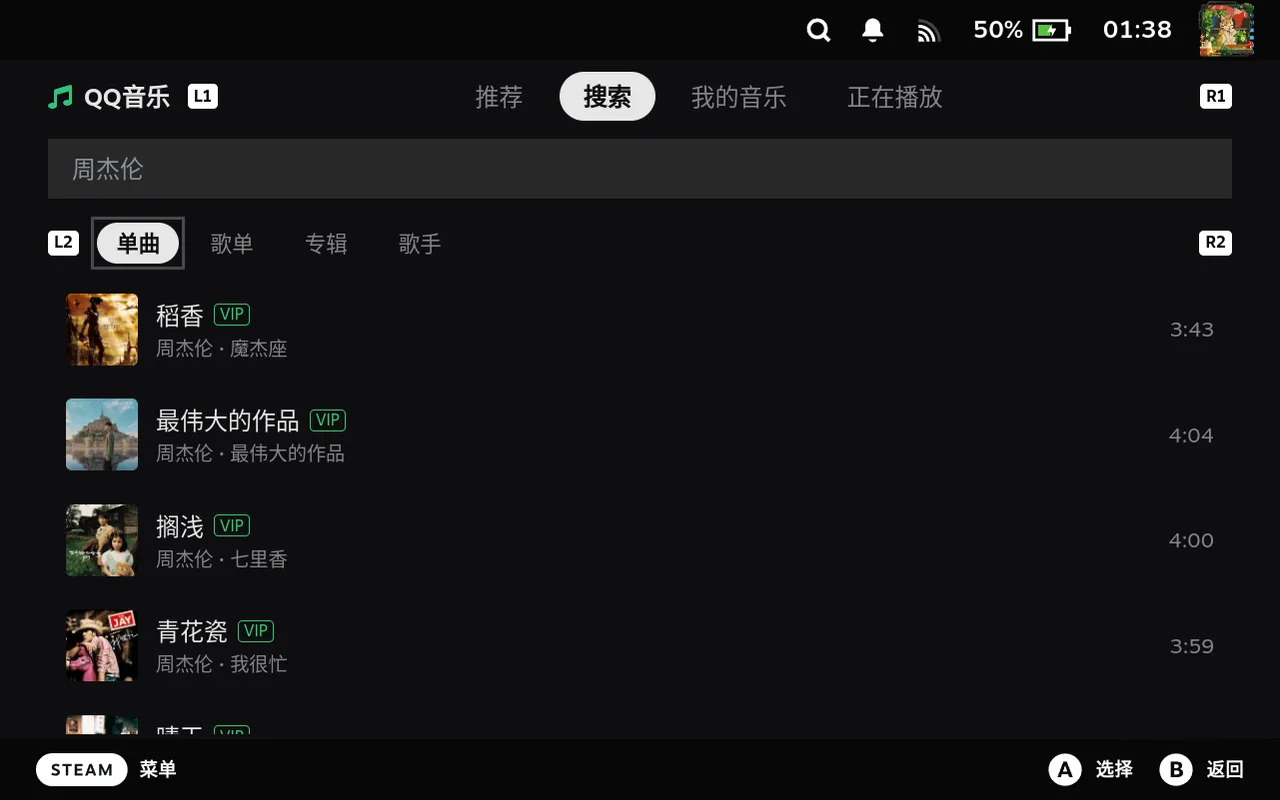 搜索歌曲Song search
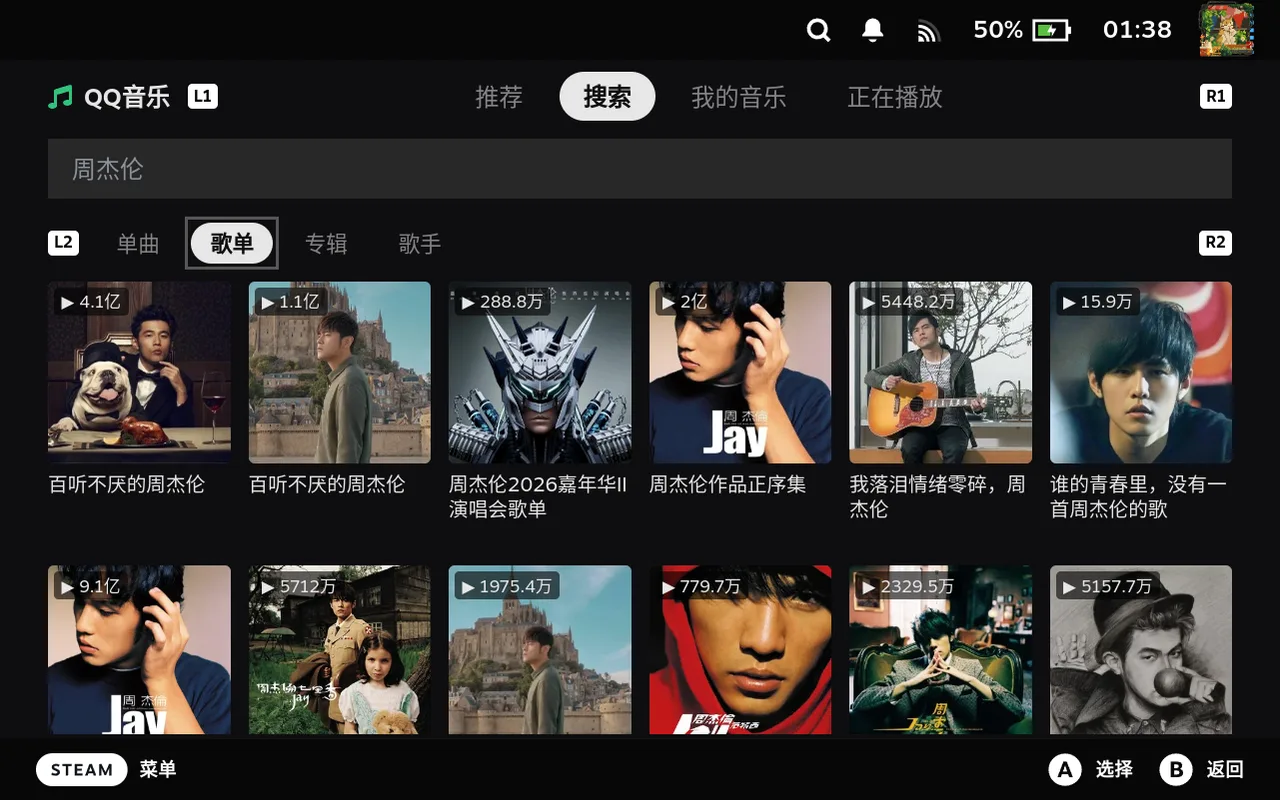 搜索歌单Playlist search
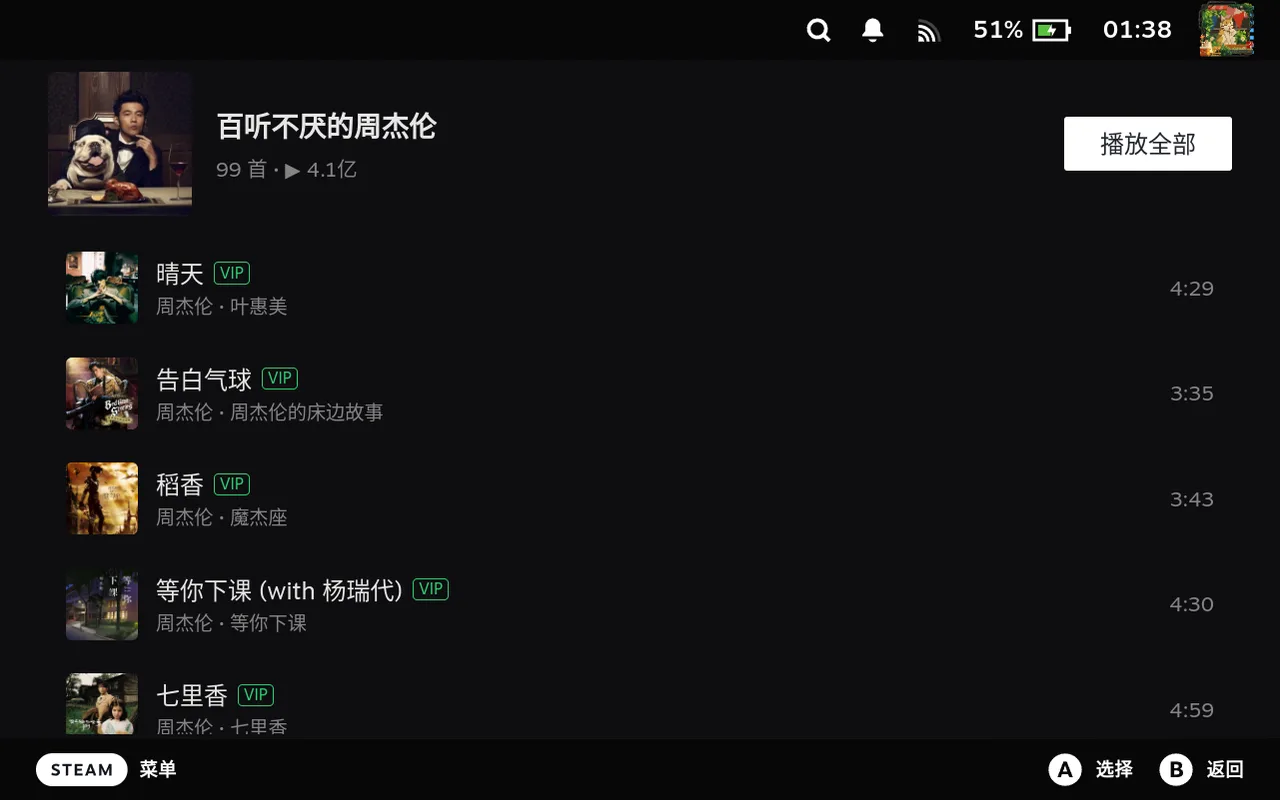 歌单详情Playlist detail
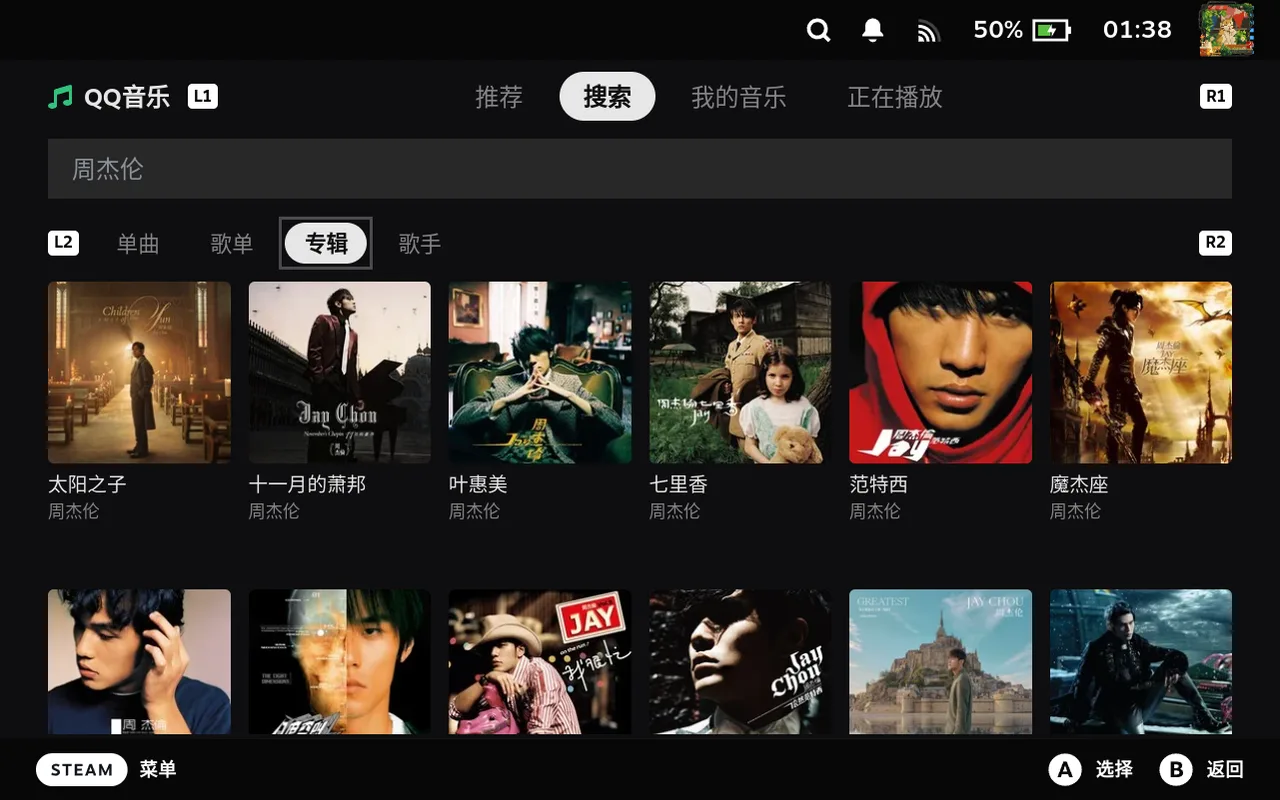 搜索专辑Album search
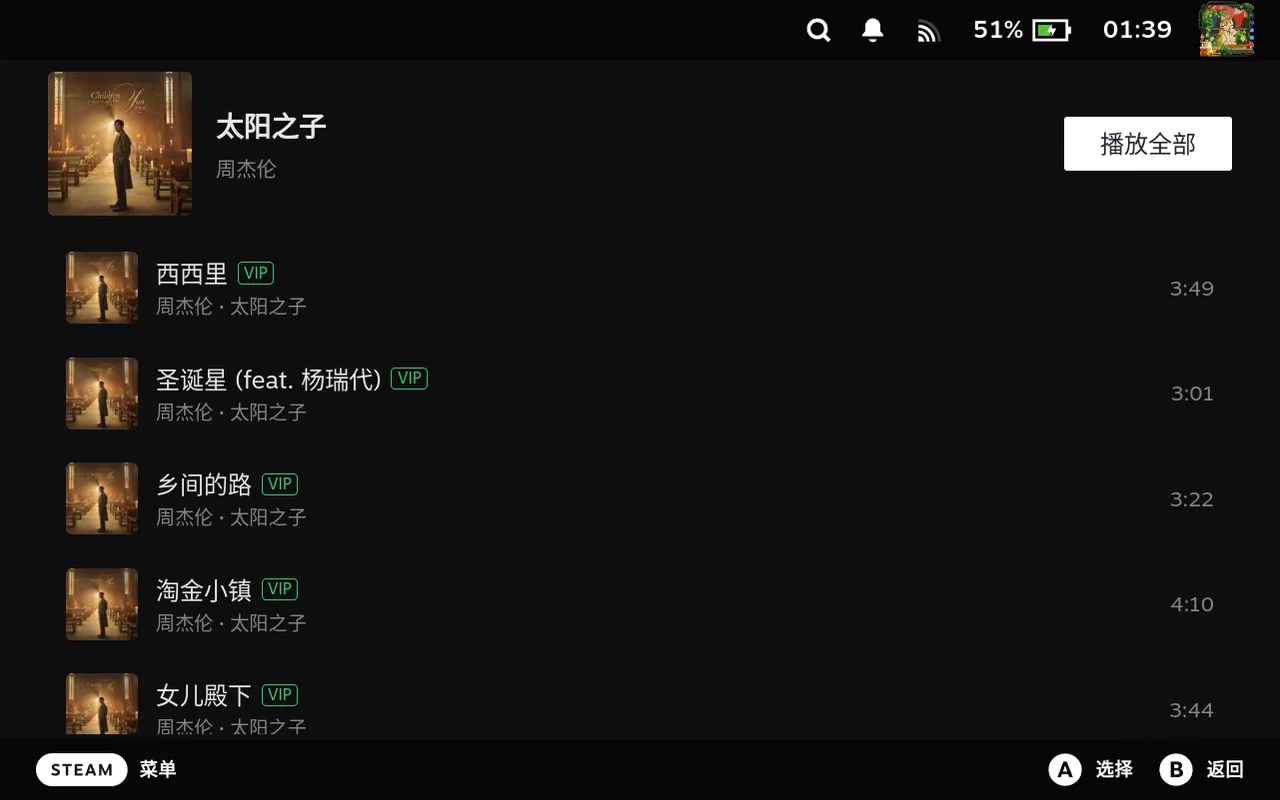 专辑详情Album detail
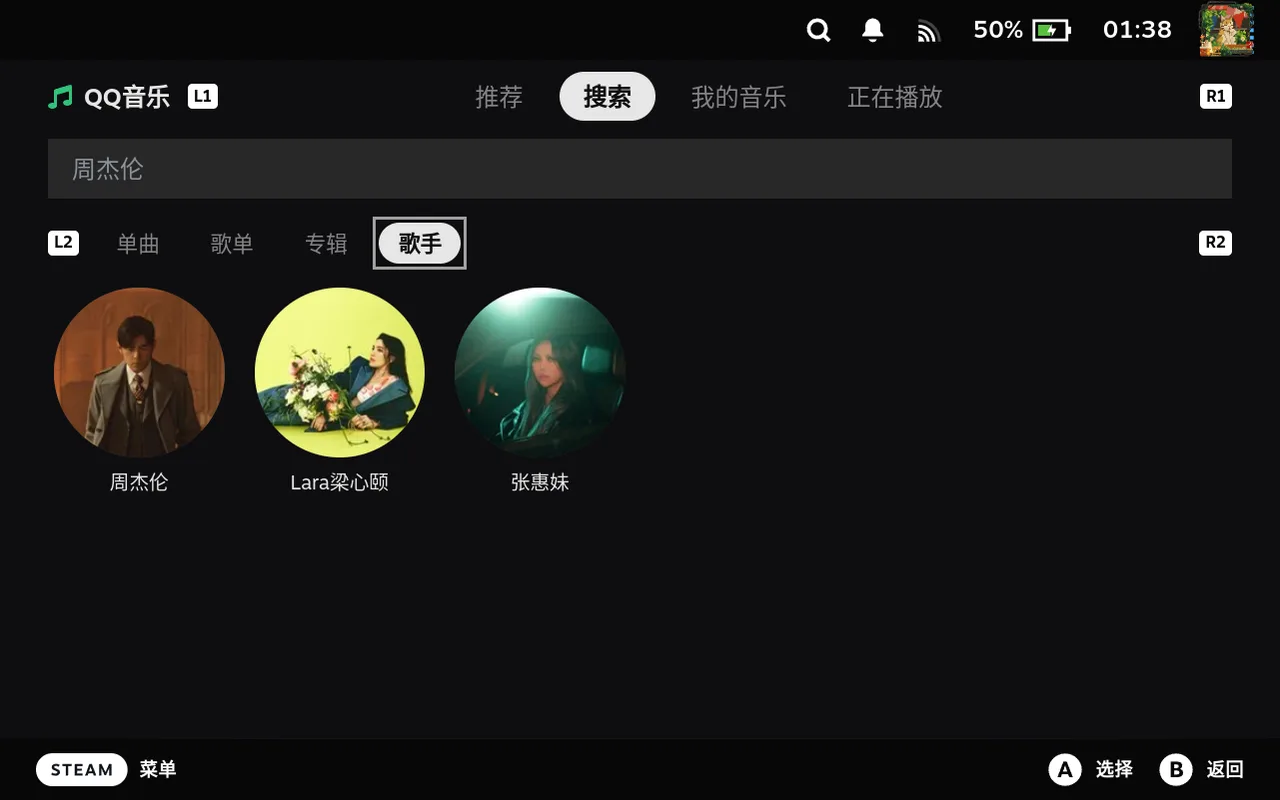 搜索歌手Artist search
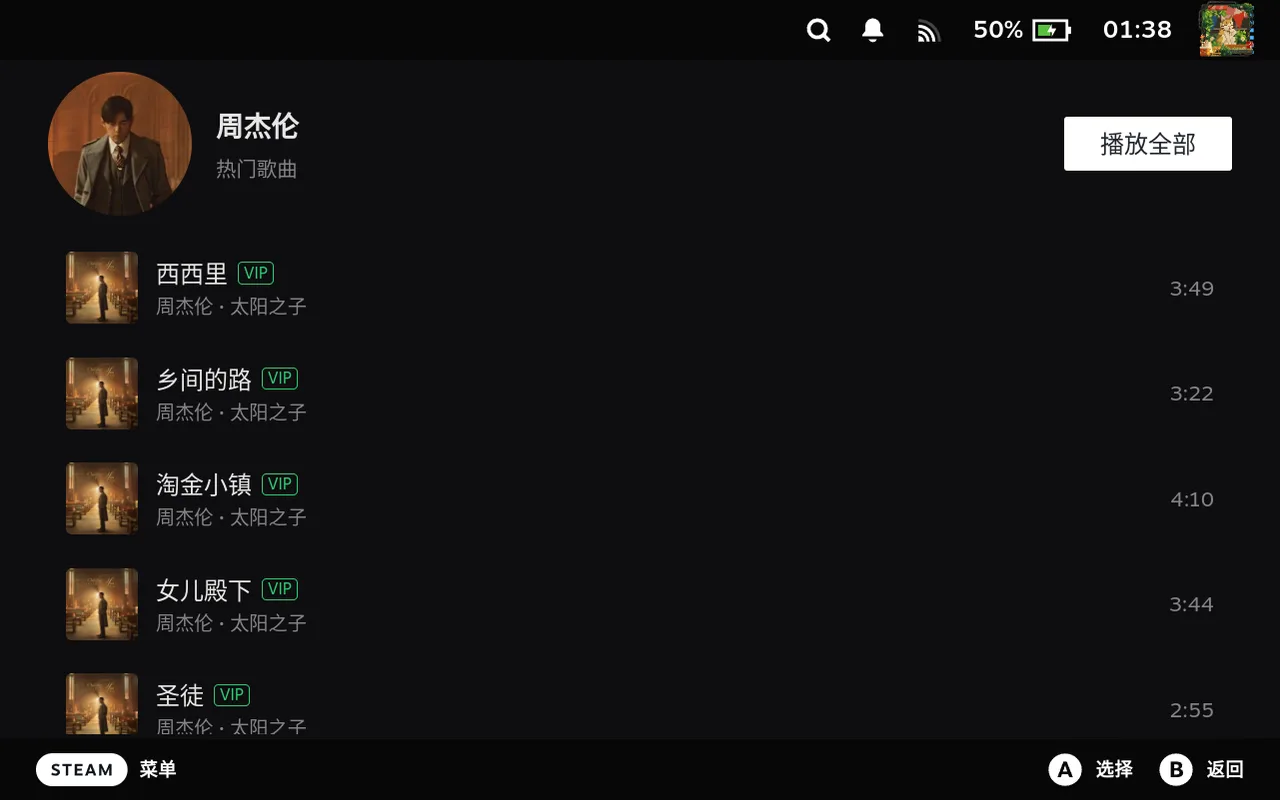 歌手详情Artist detail
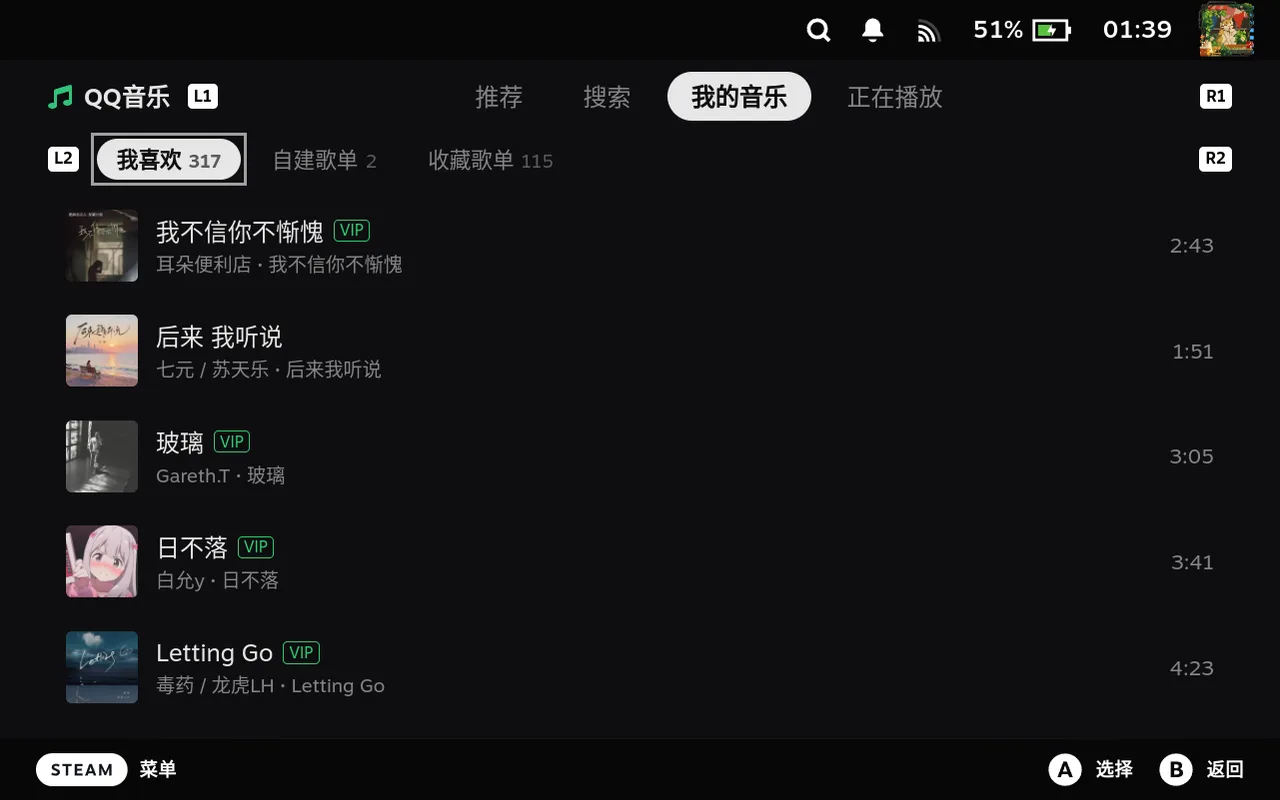 我喜欢的歌曲Liked songs
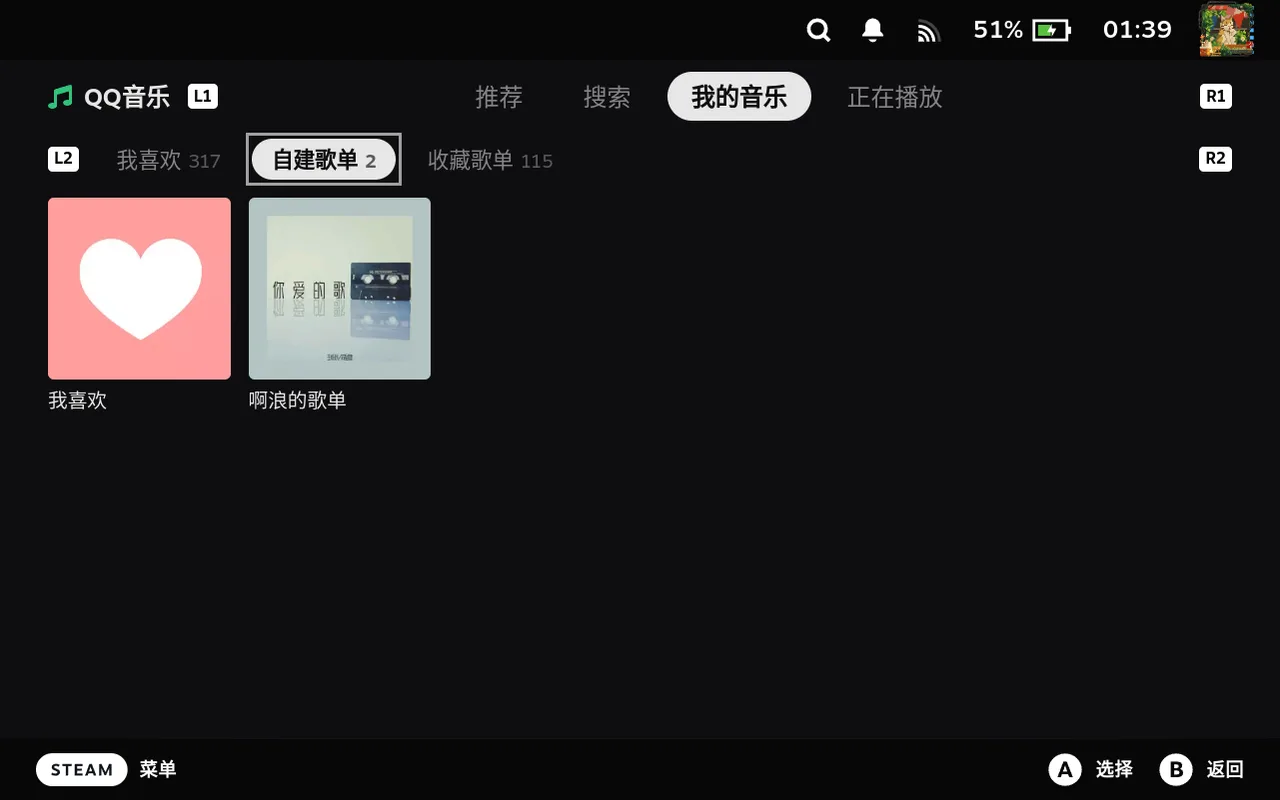 自建歌单My playlists
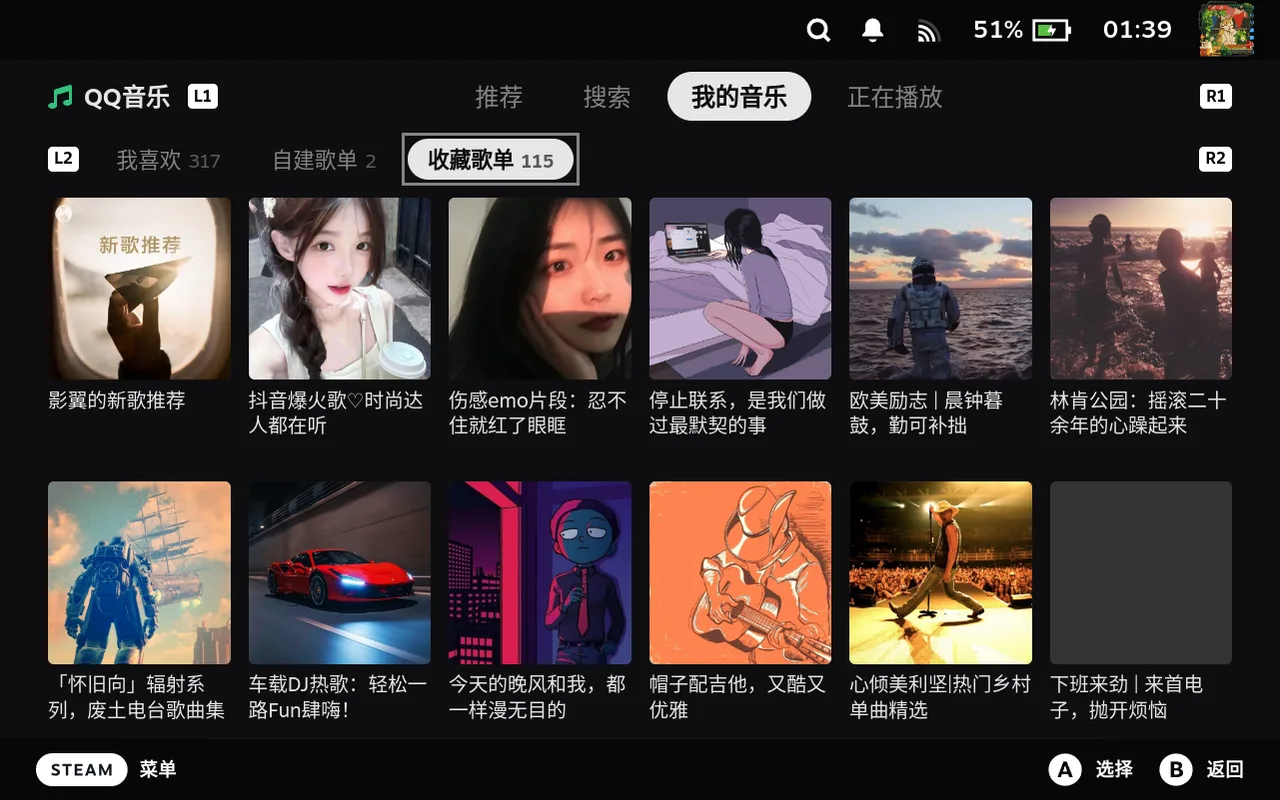 收藏歌单Saved playlists
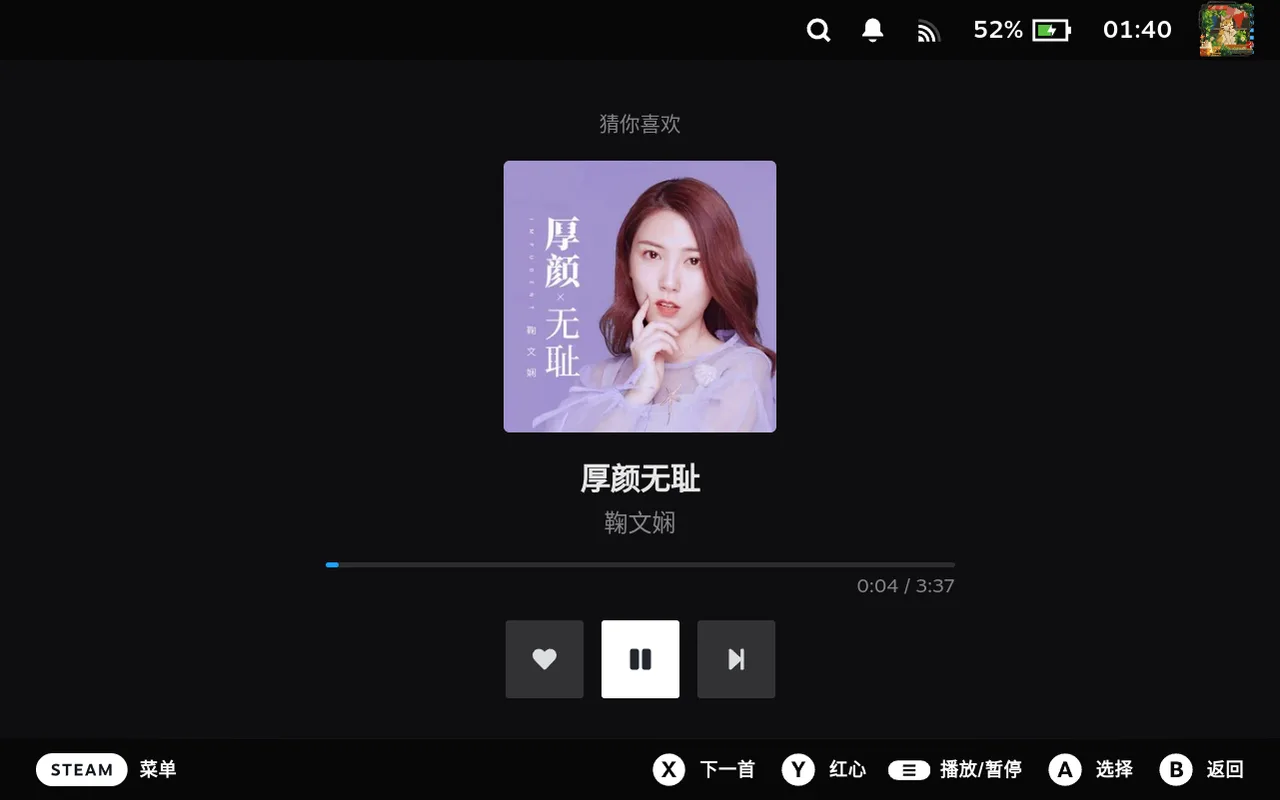 沉浸电台Immersive radio
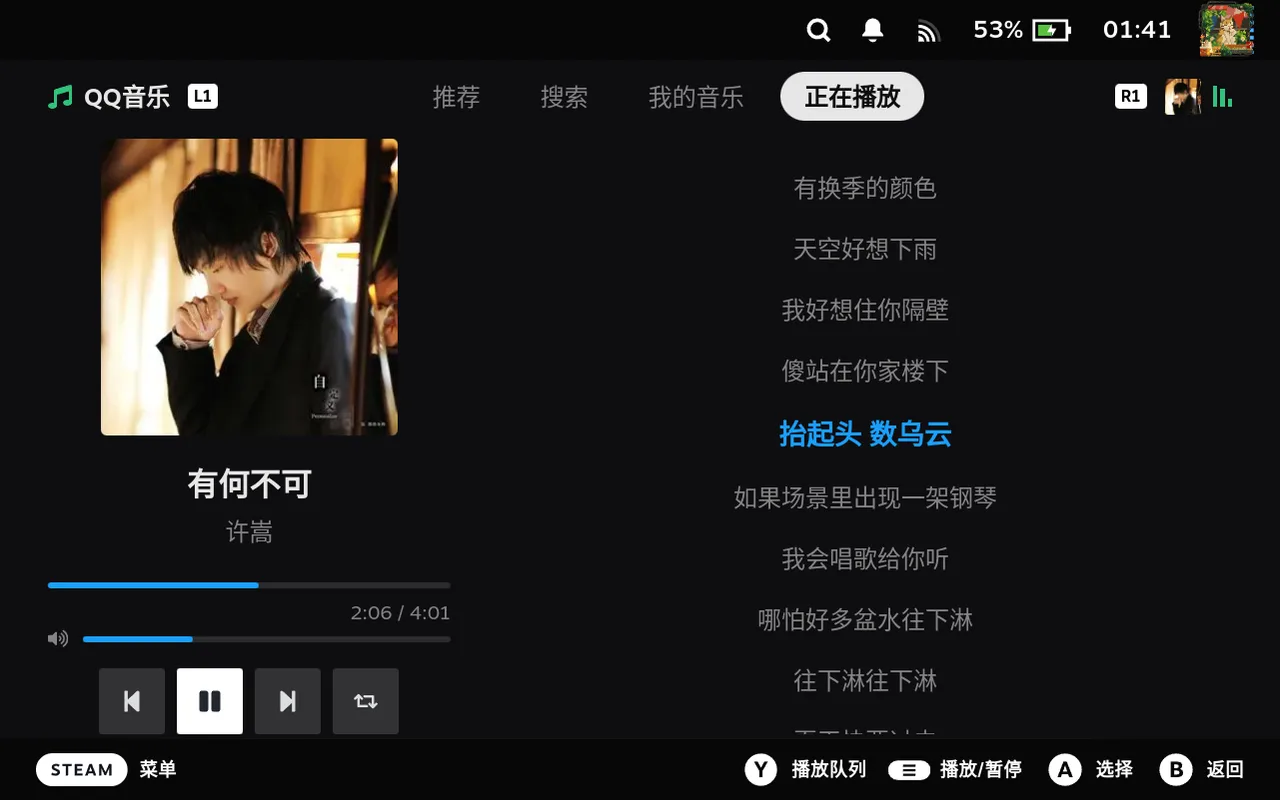 正在播放 · 歌词Now playing · lyrics
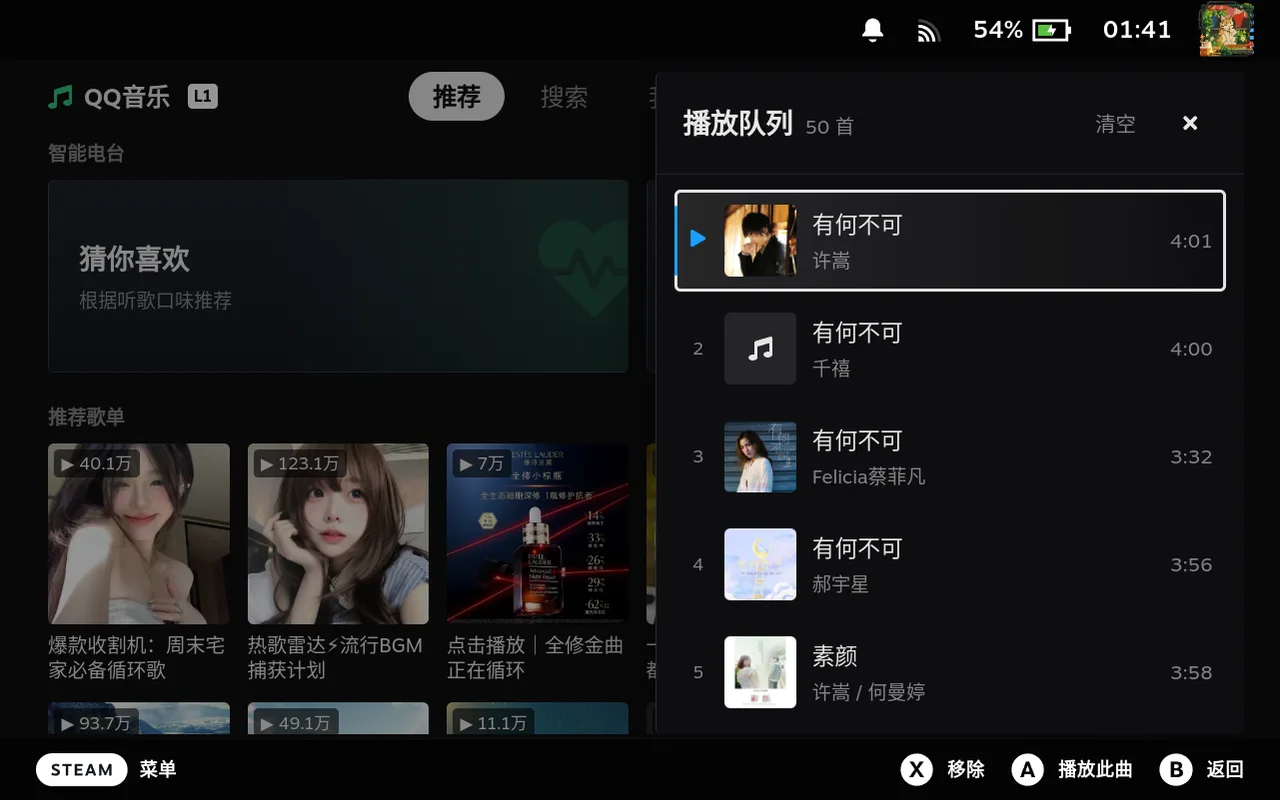 播放队列Play queue
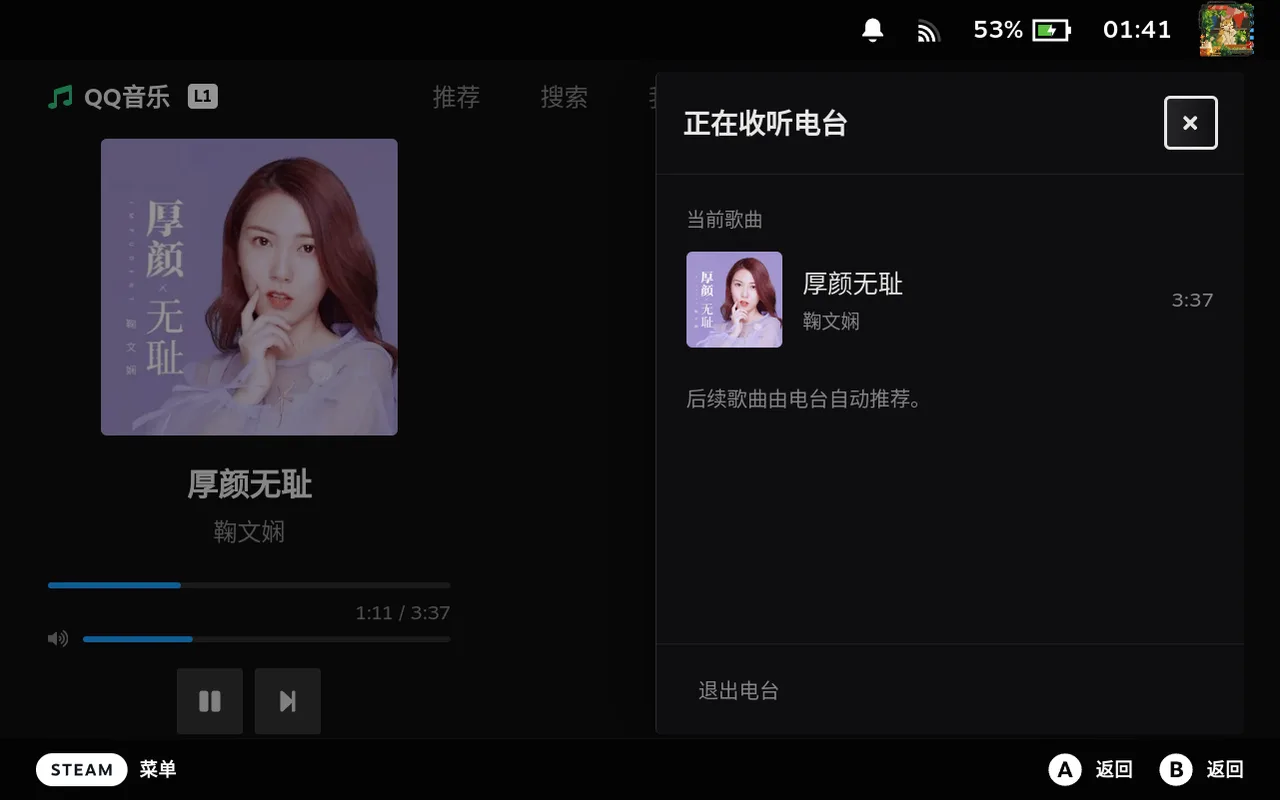 电台队列Radio queue
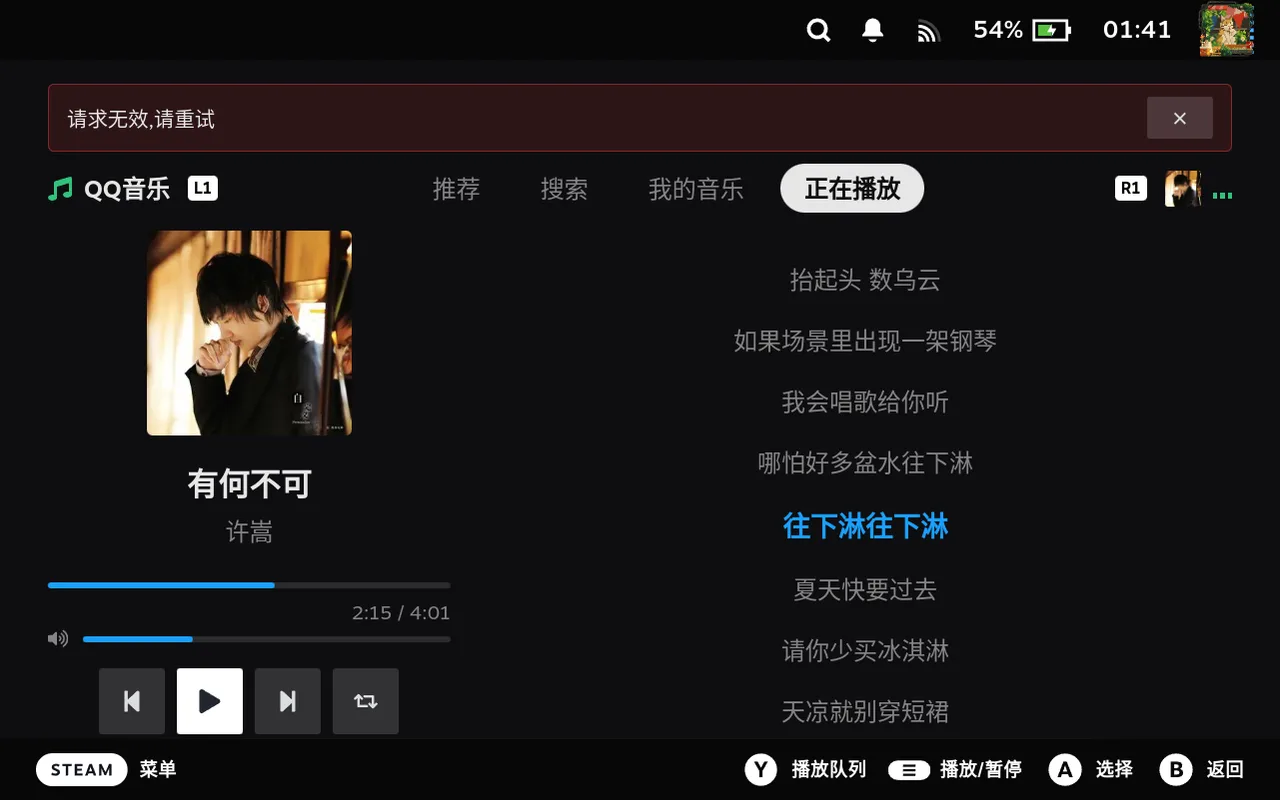 错误降级提示Graceful error state
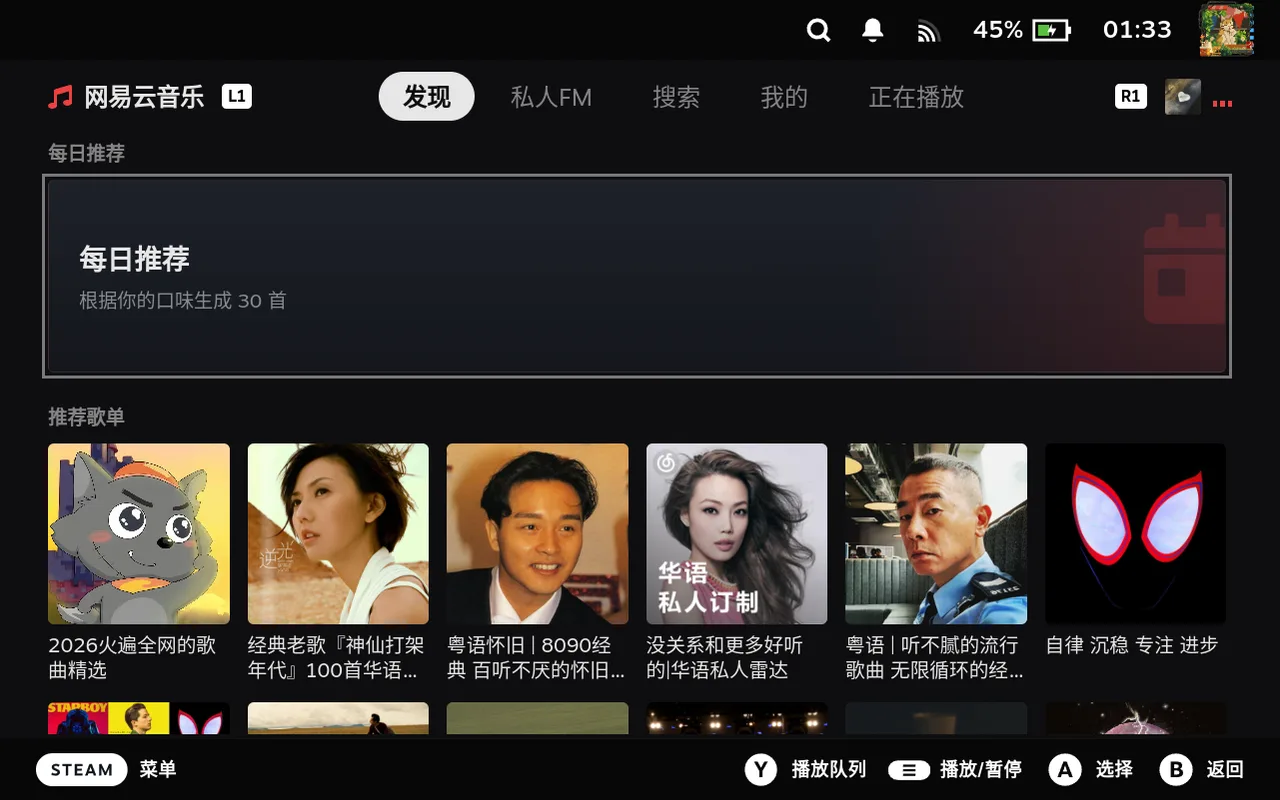 首页推荐Home
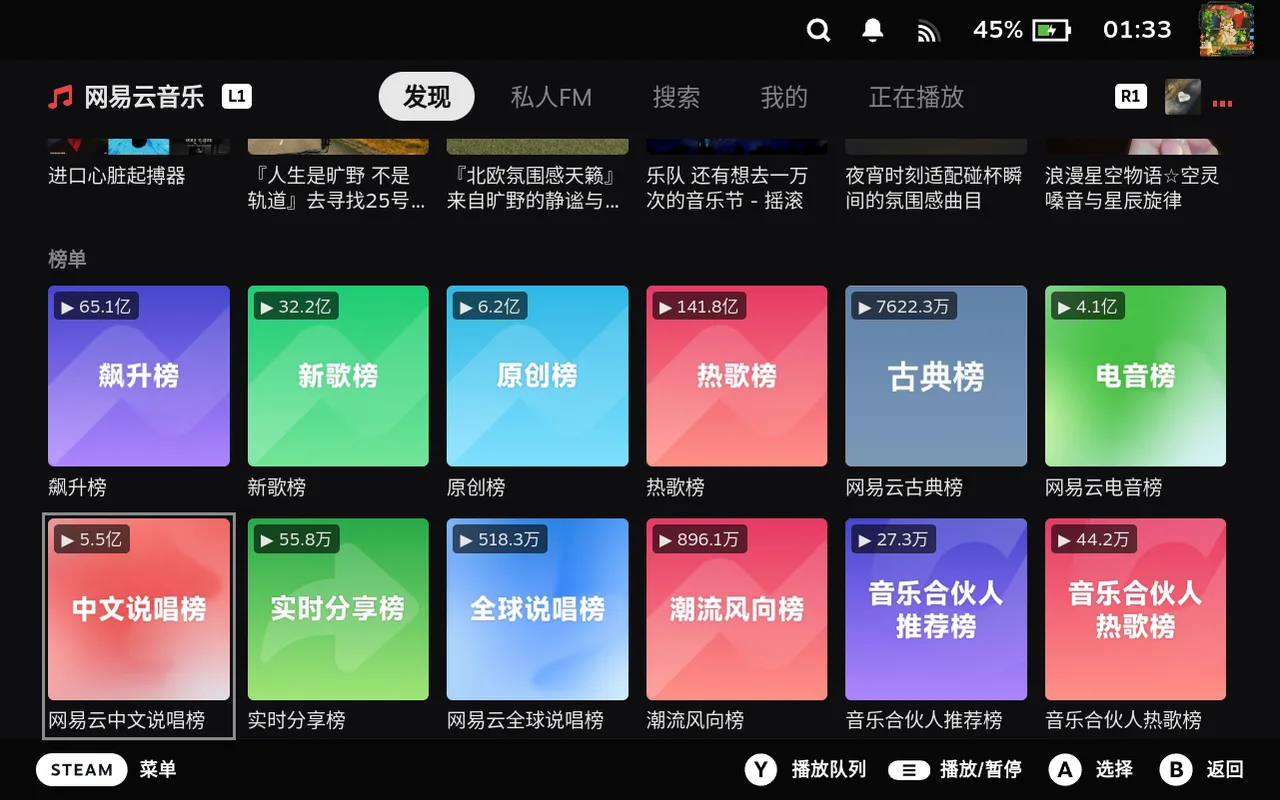 排行榜Charts
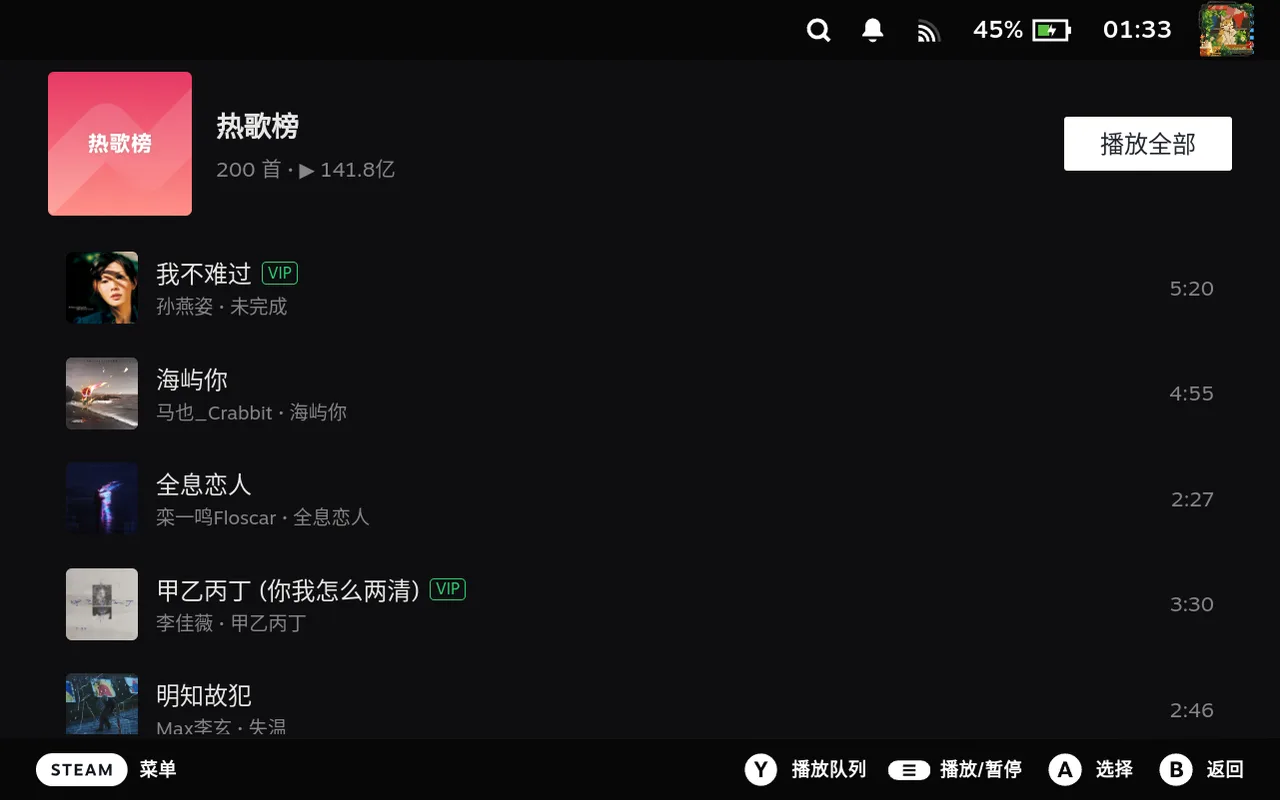 榜单详情Chart detail
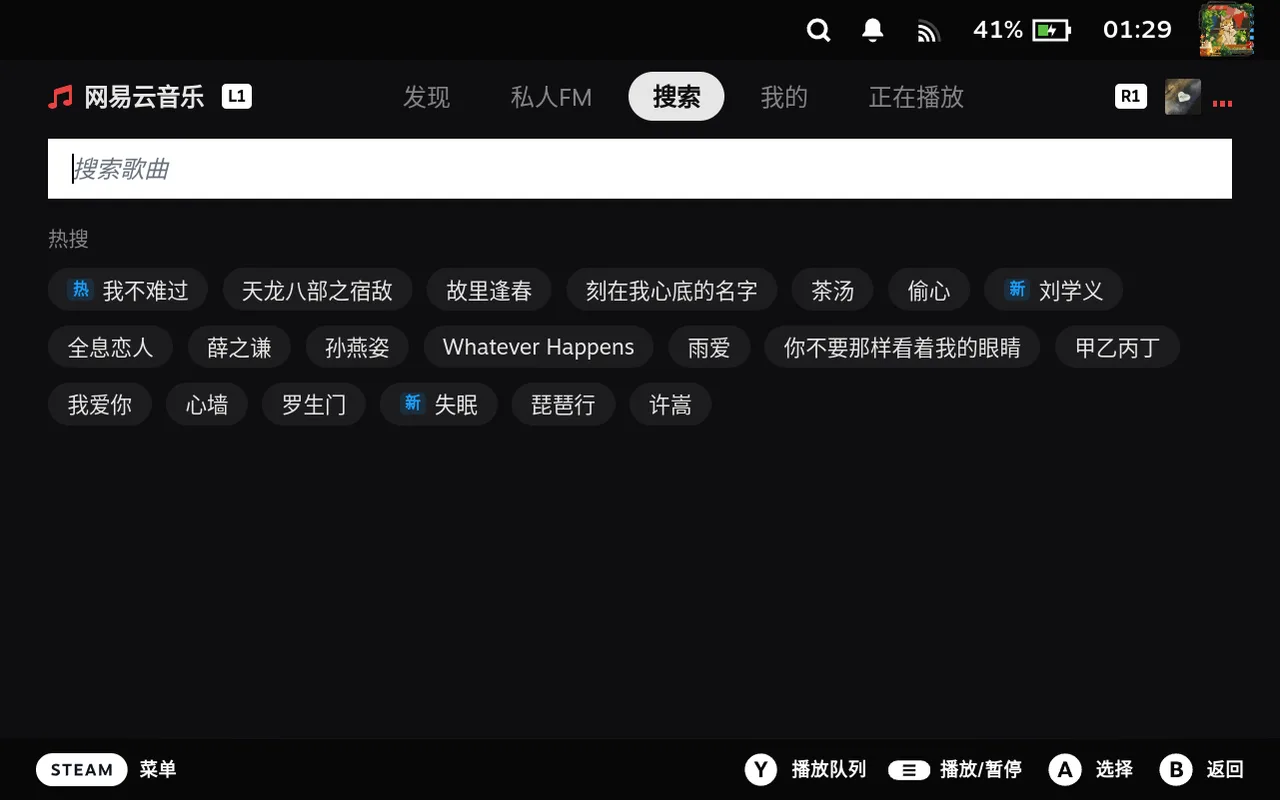 热搜Trending searches
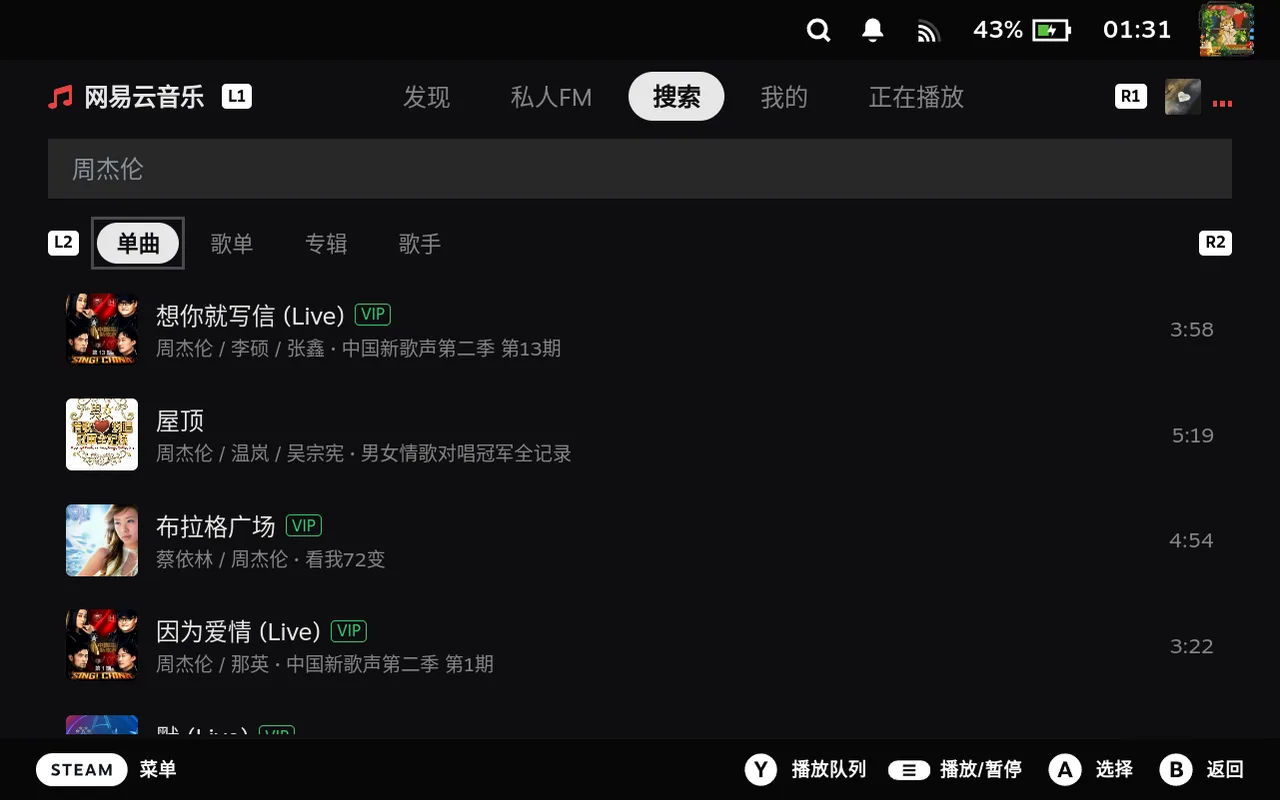 搜索歌曲Song search
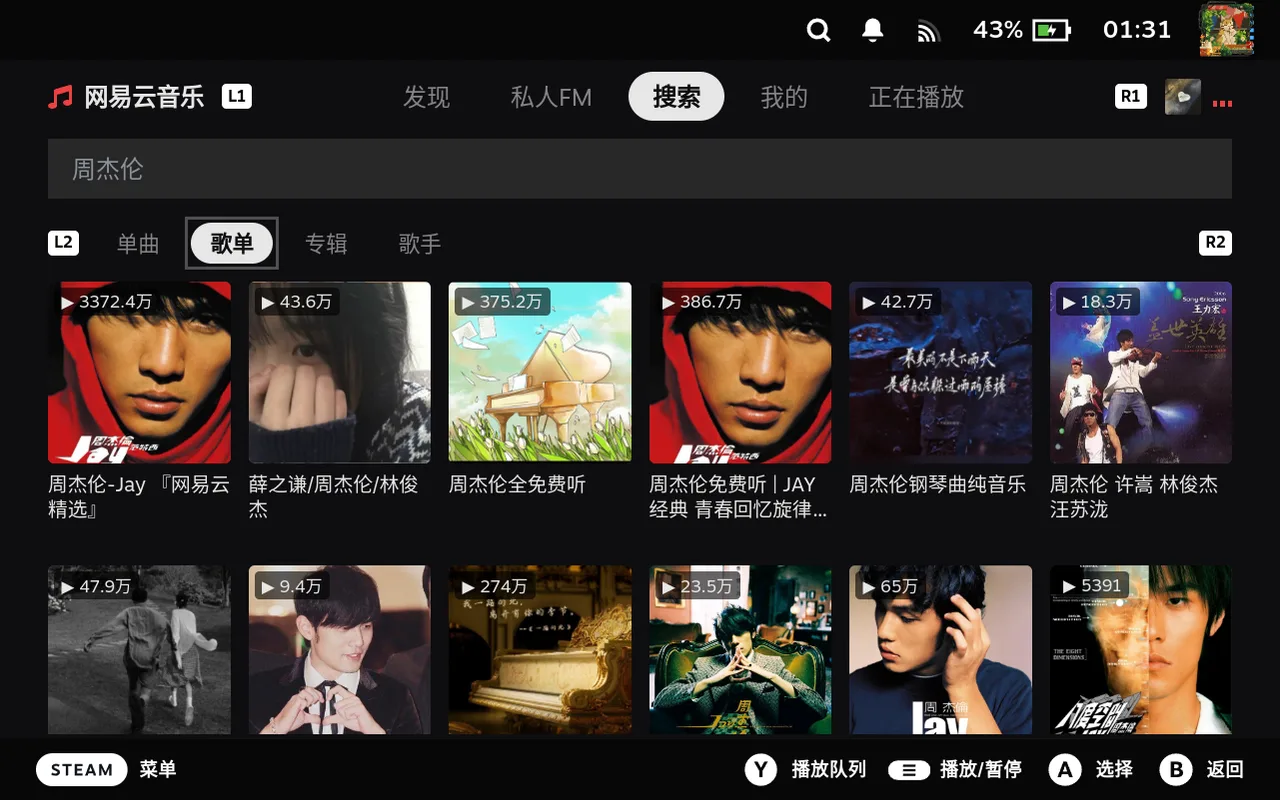 搜索歌单Playlist search
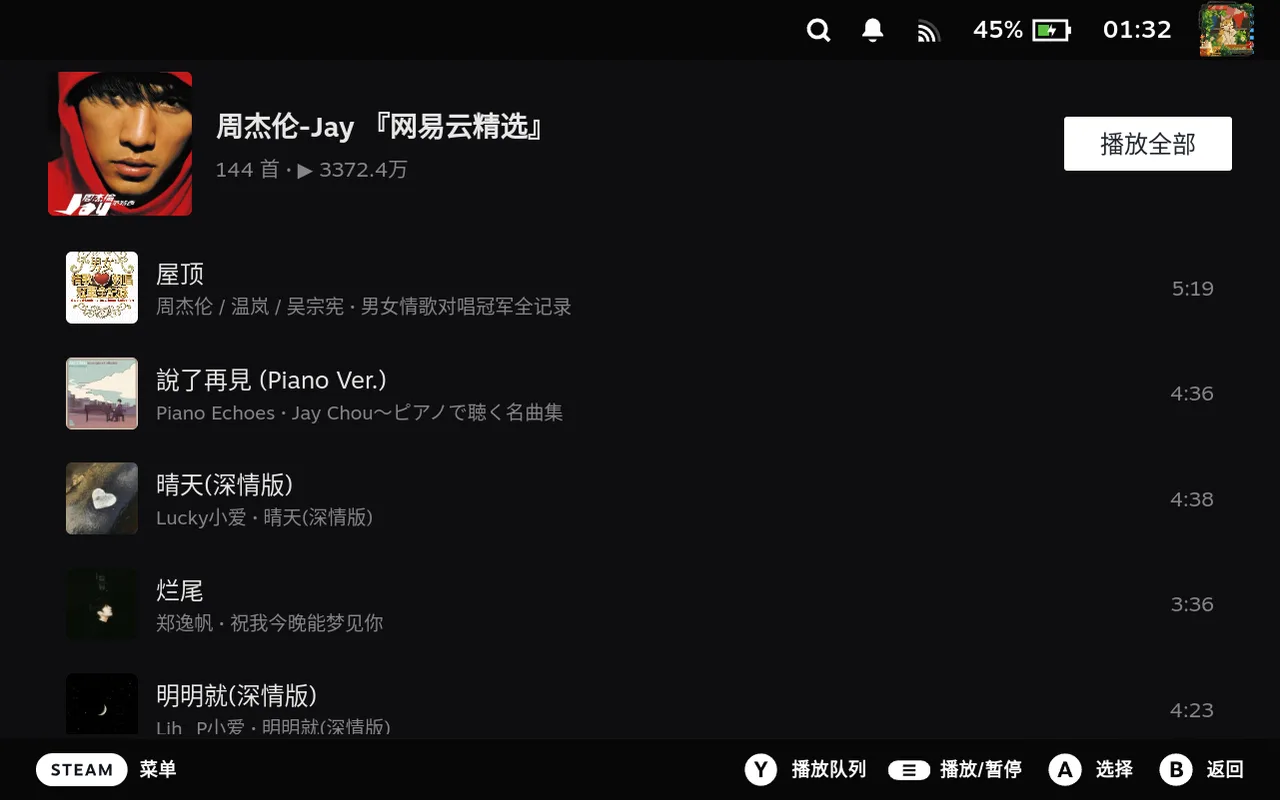 歌单详情Playlist detail
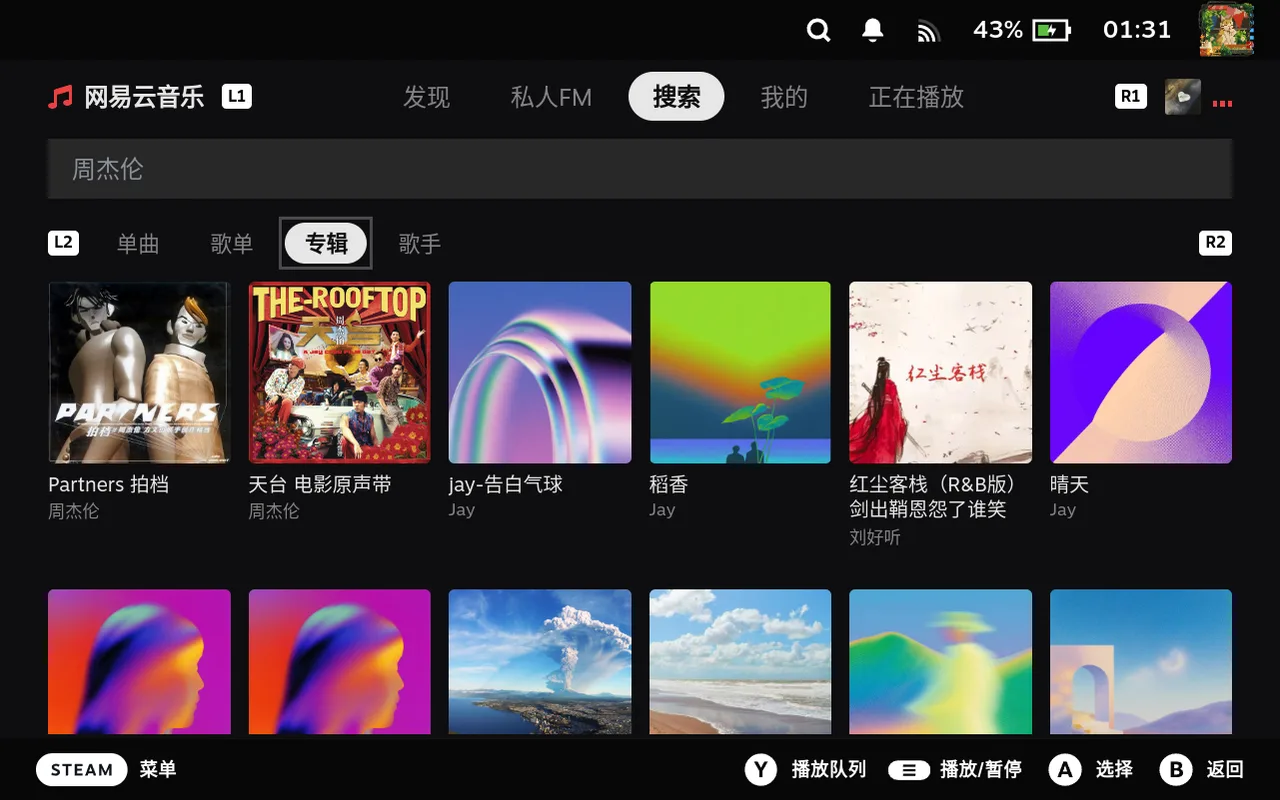 搜索专辑Album search
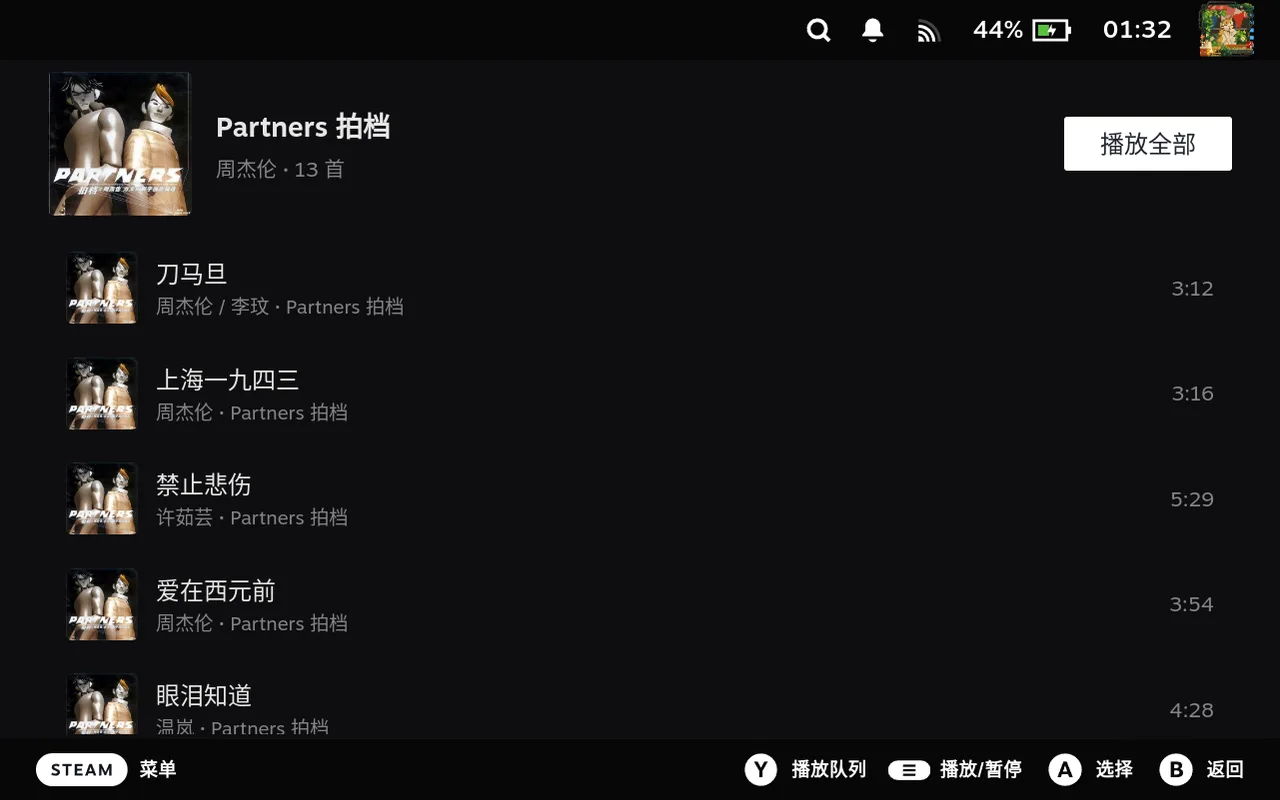 专辑详情Album detail
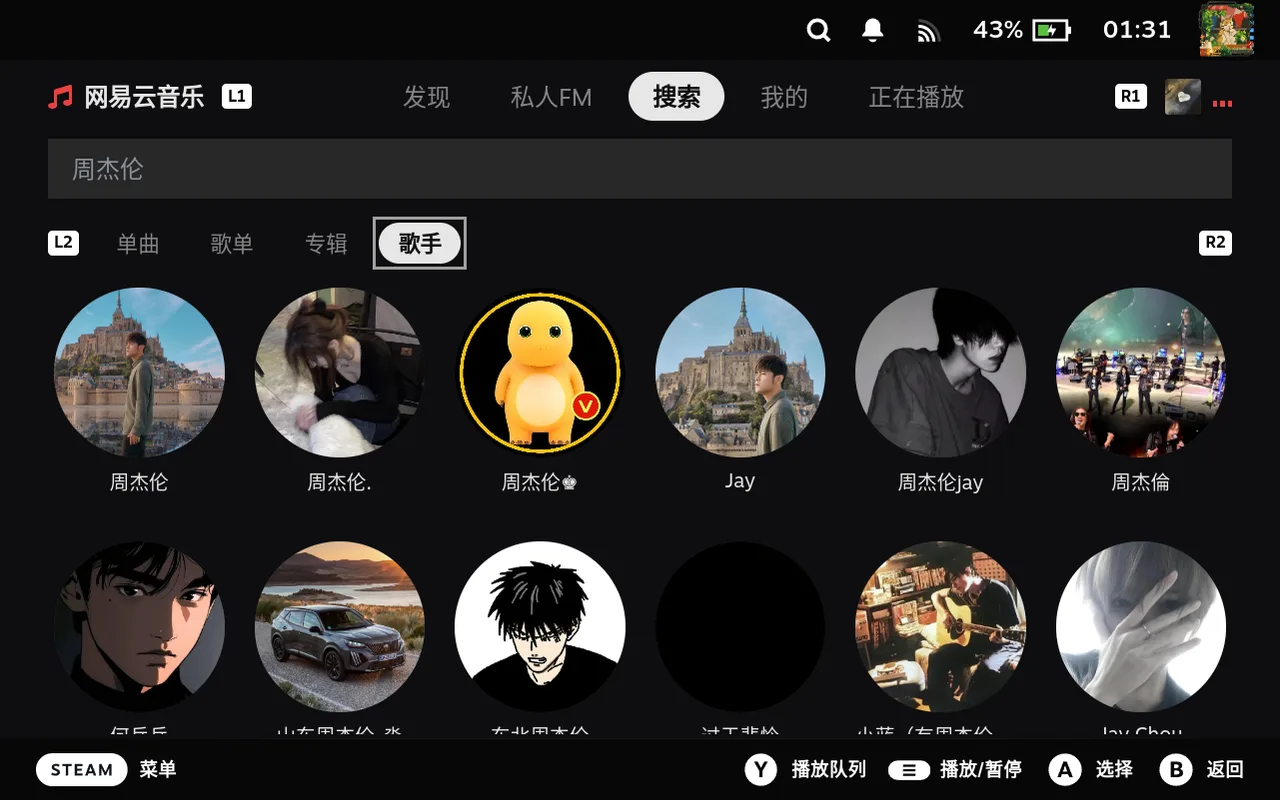 搜索歌手Artist search
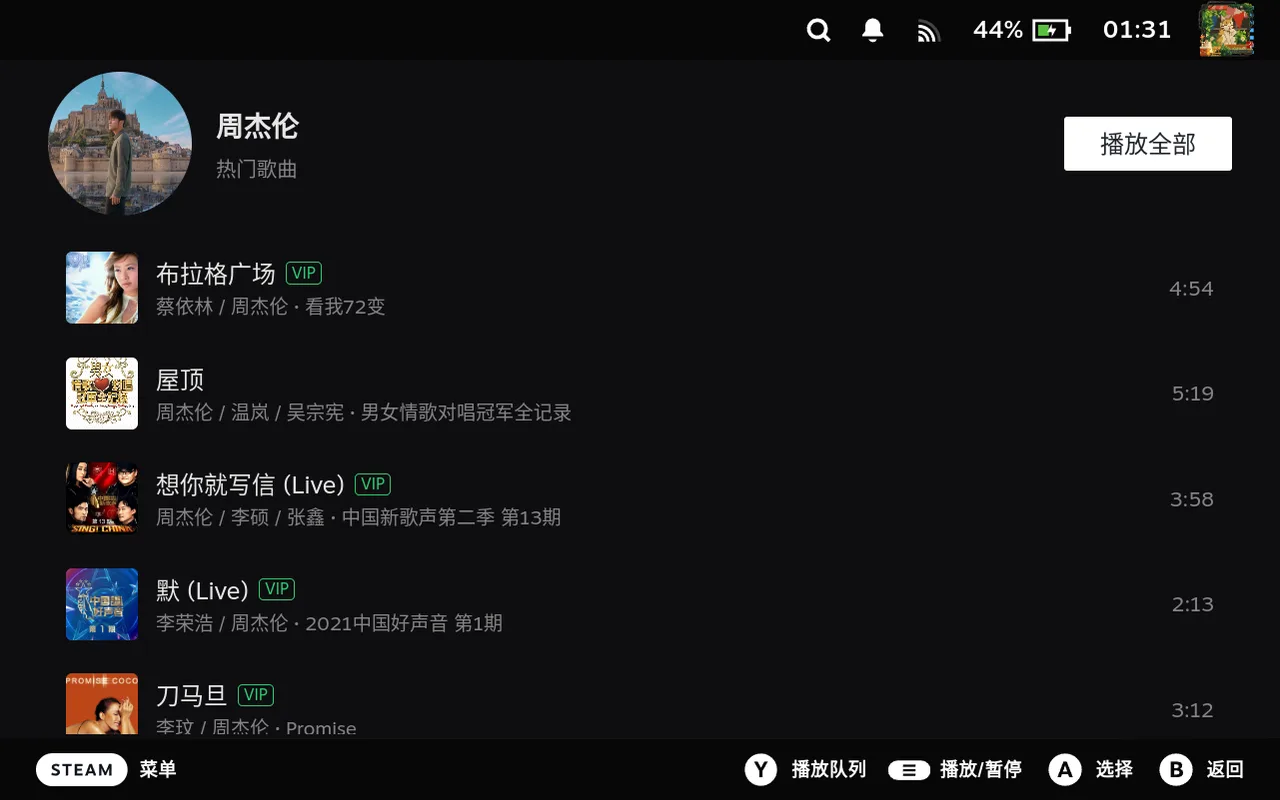 歌手详情Artist detail
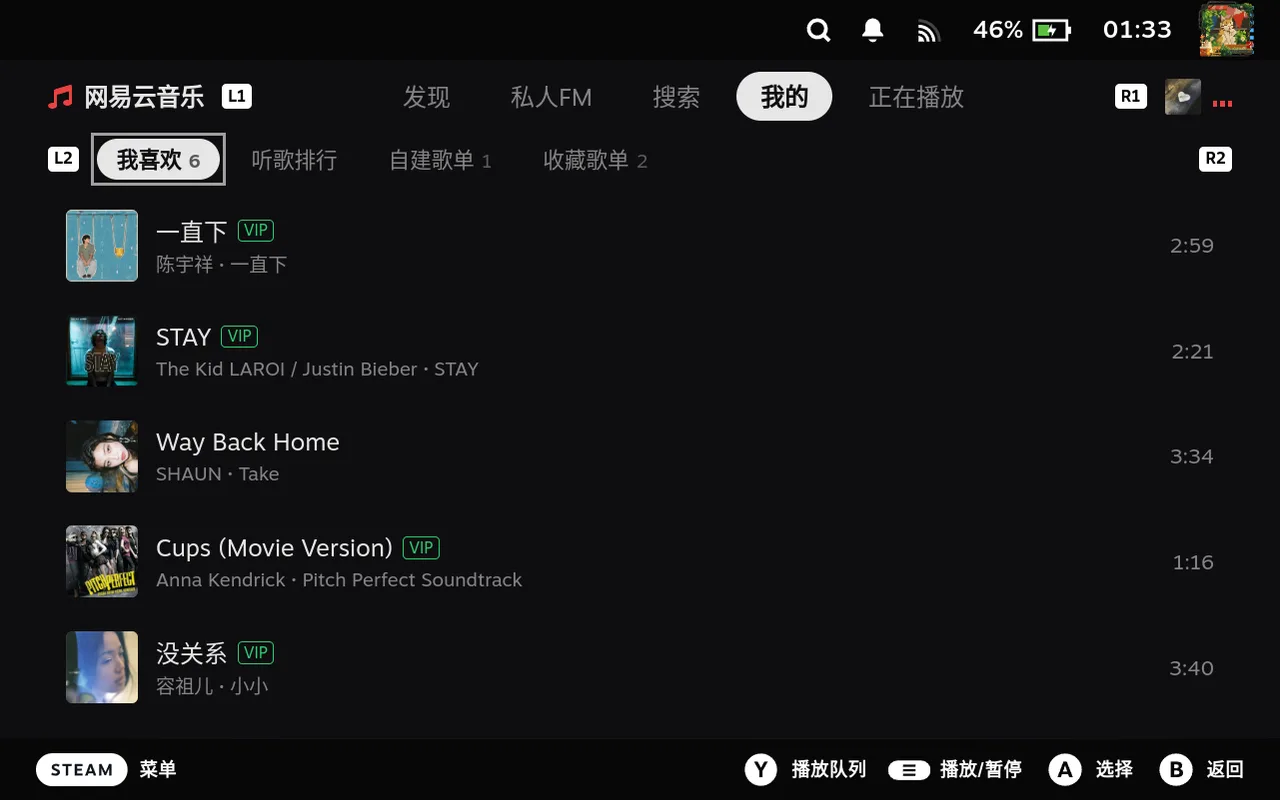 我喜欢的歌曲Liked songs
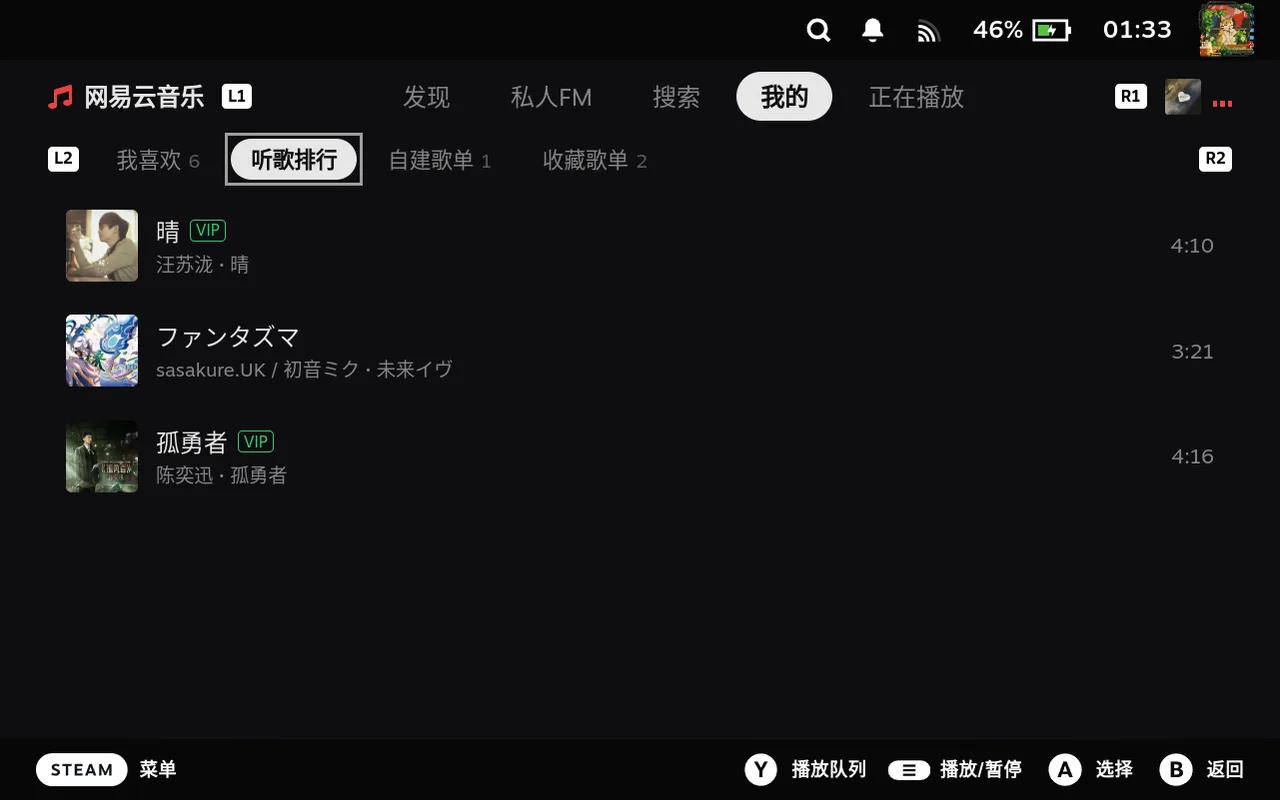 听歌排行Listening rank
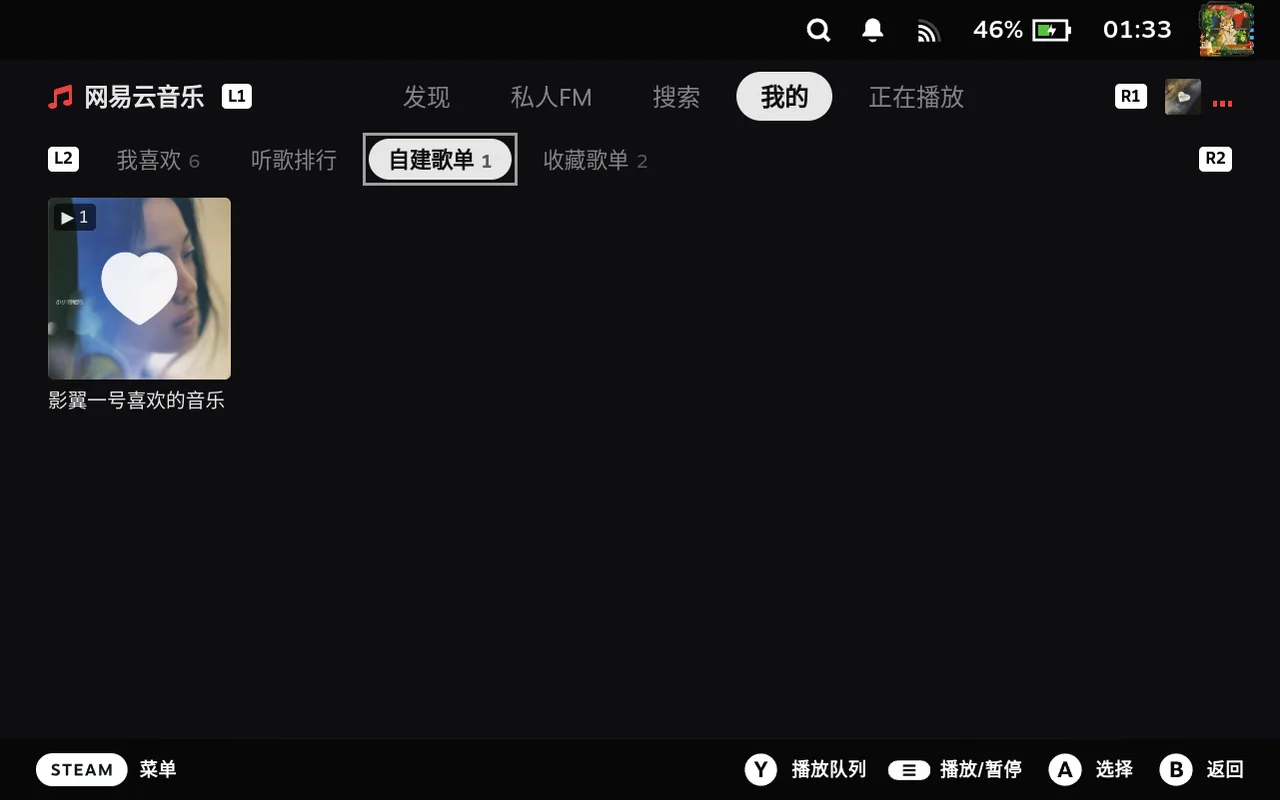 自建歌单My playlists
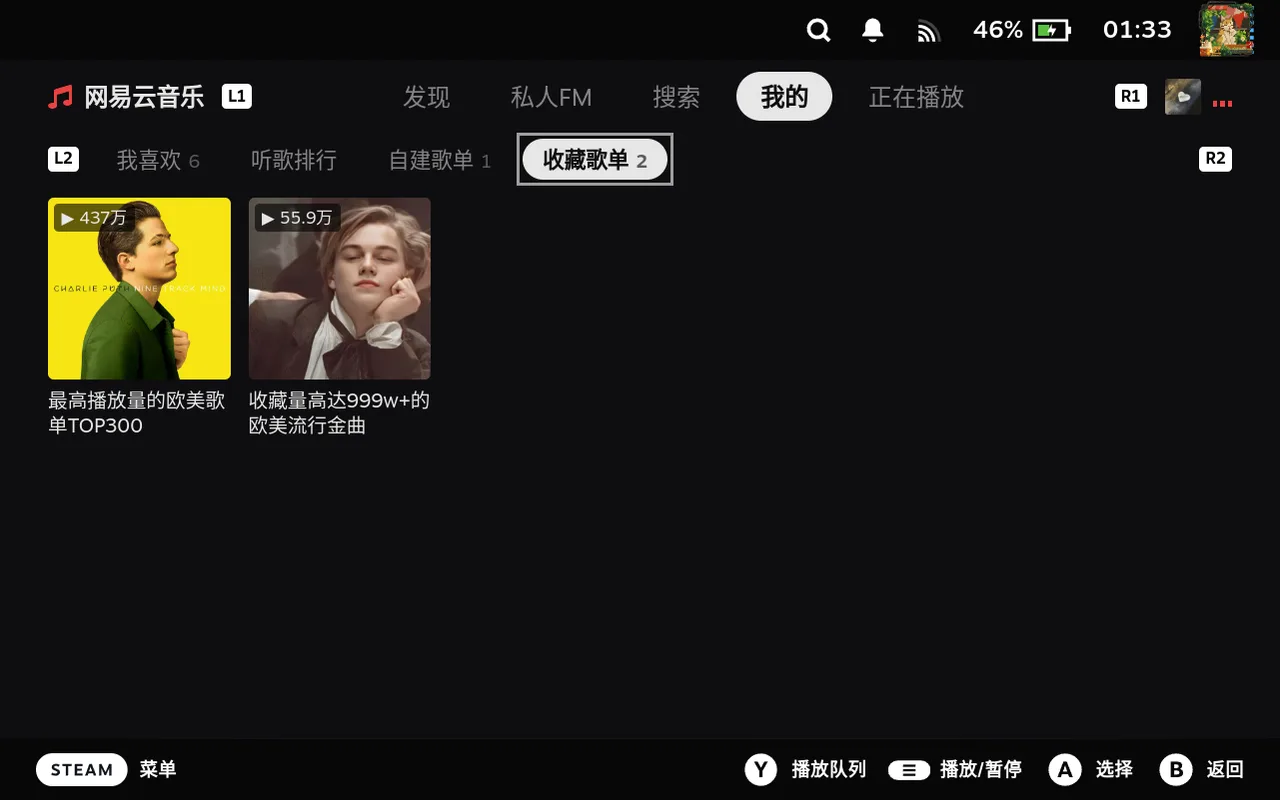 收藏歌单Saved playlists
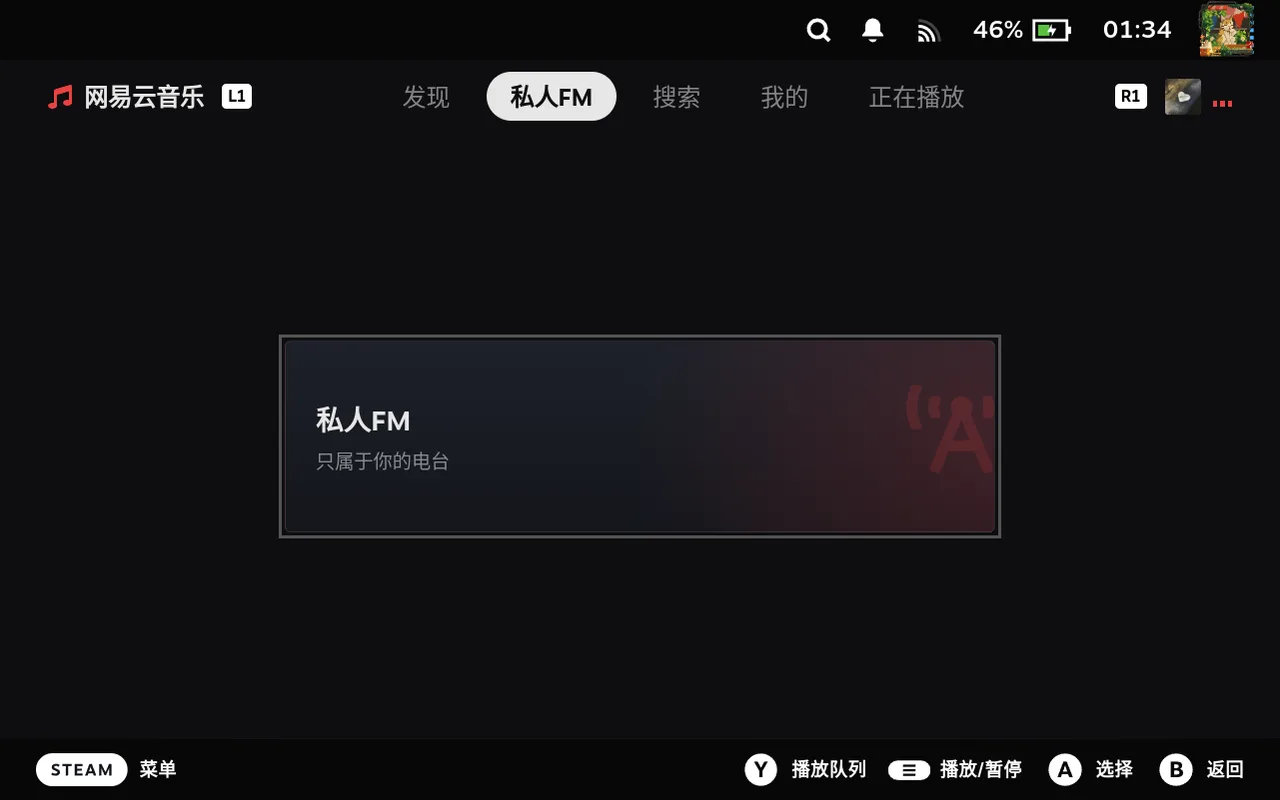 私人 FM 入口Personal FM
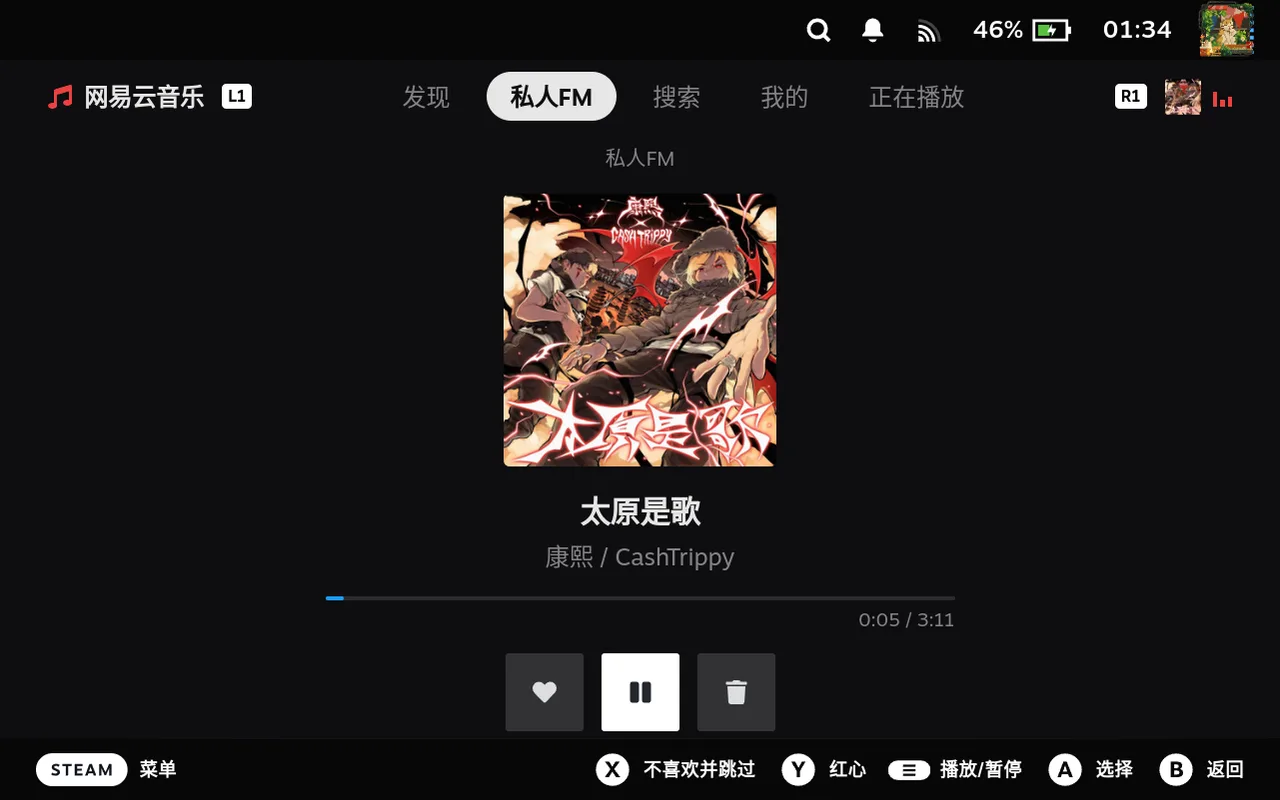 沉浸电台Immersive radio
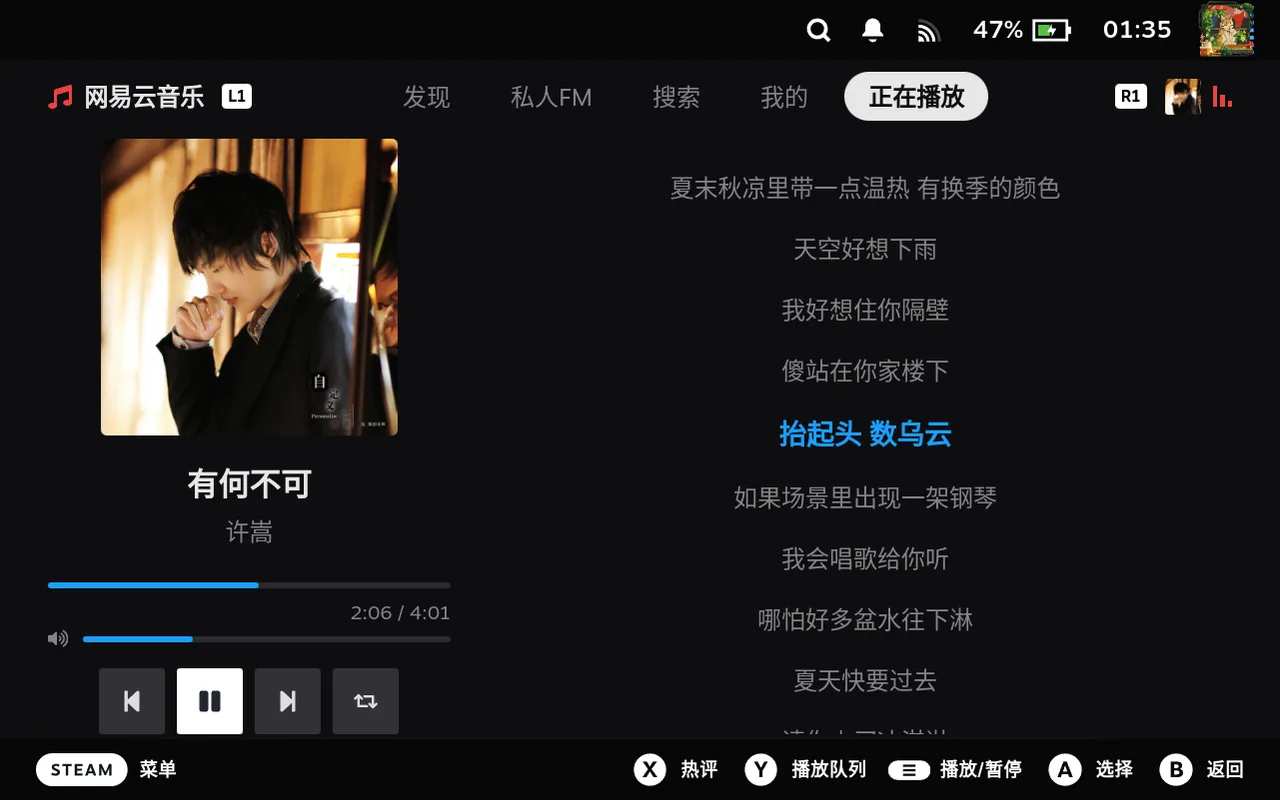 正在播放 · 歌词Now playing · lyrics
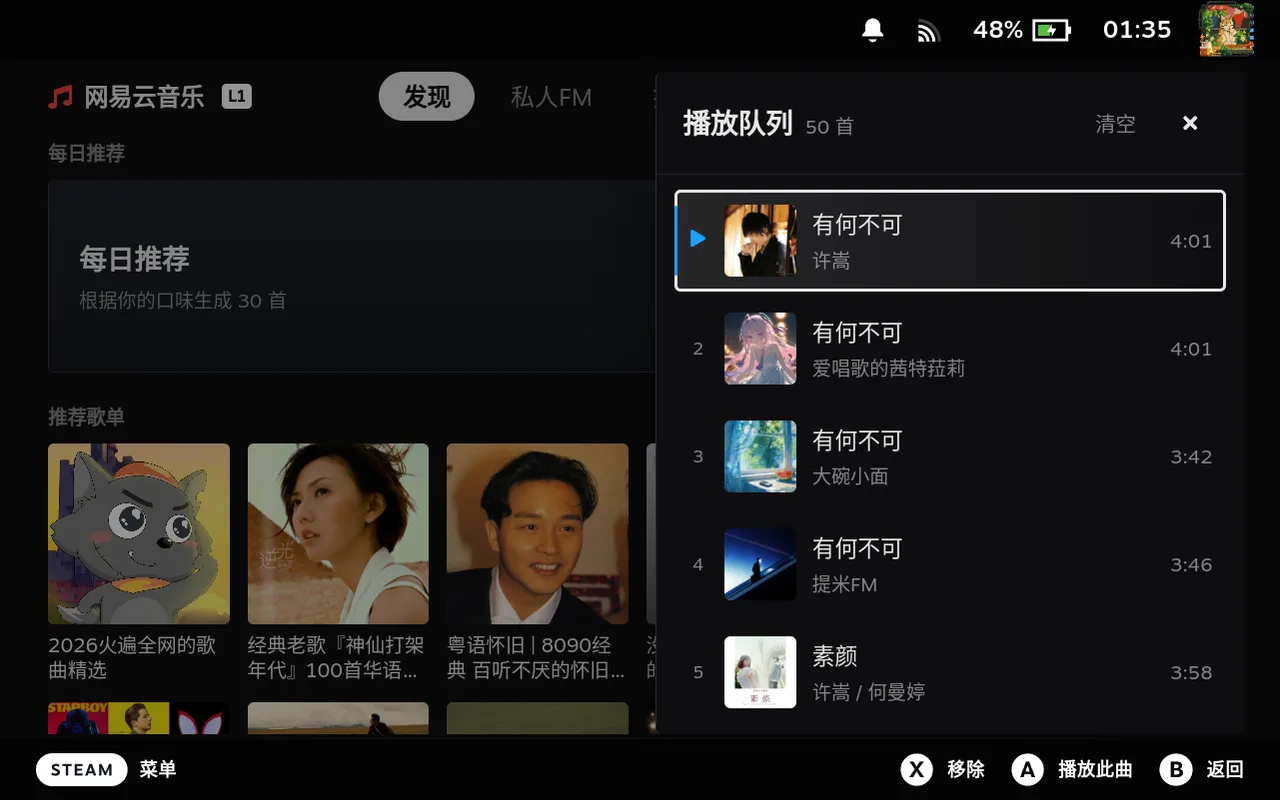 播放队列Play queue
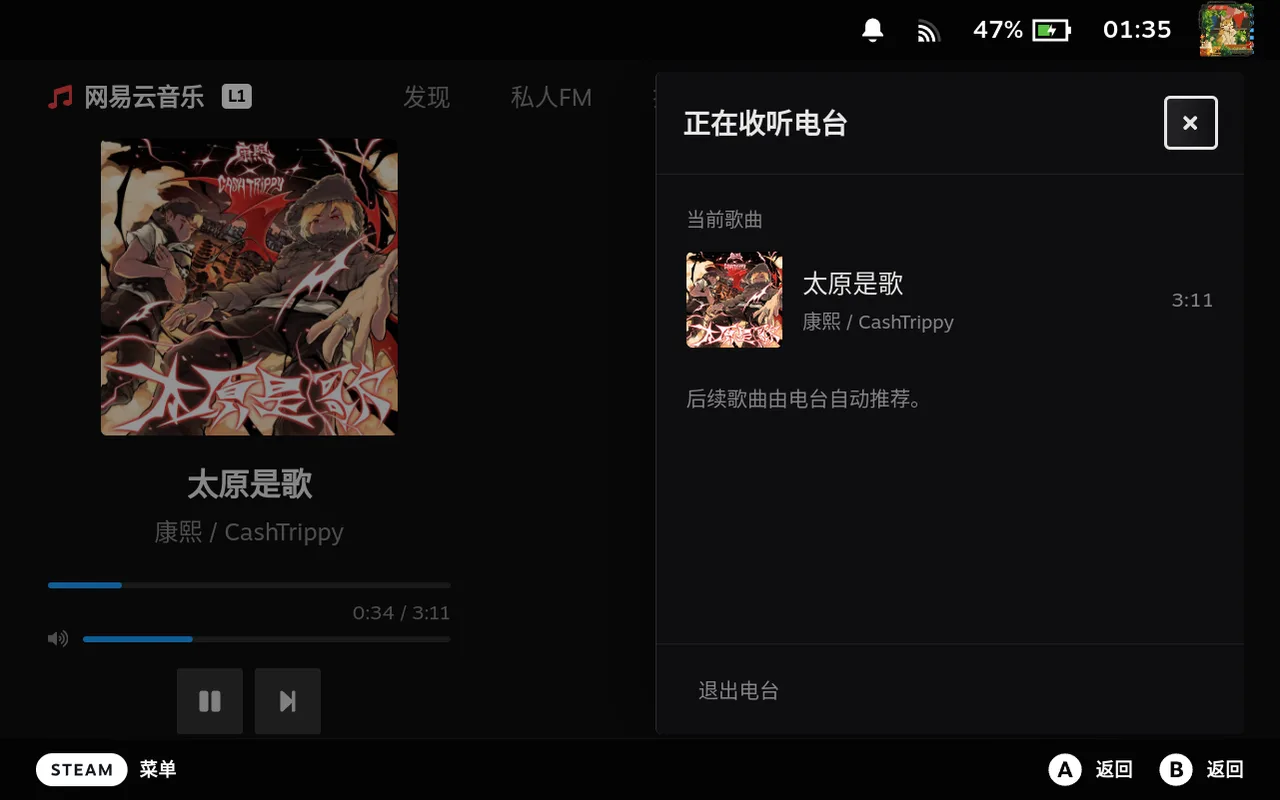 电台队列Radio queue
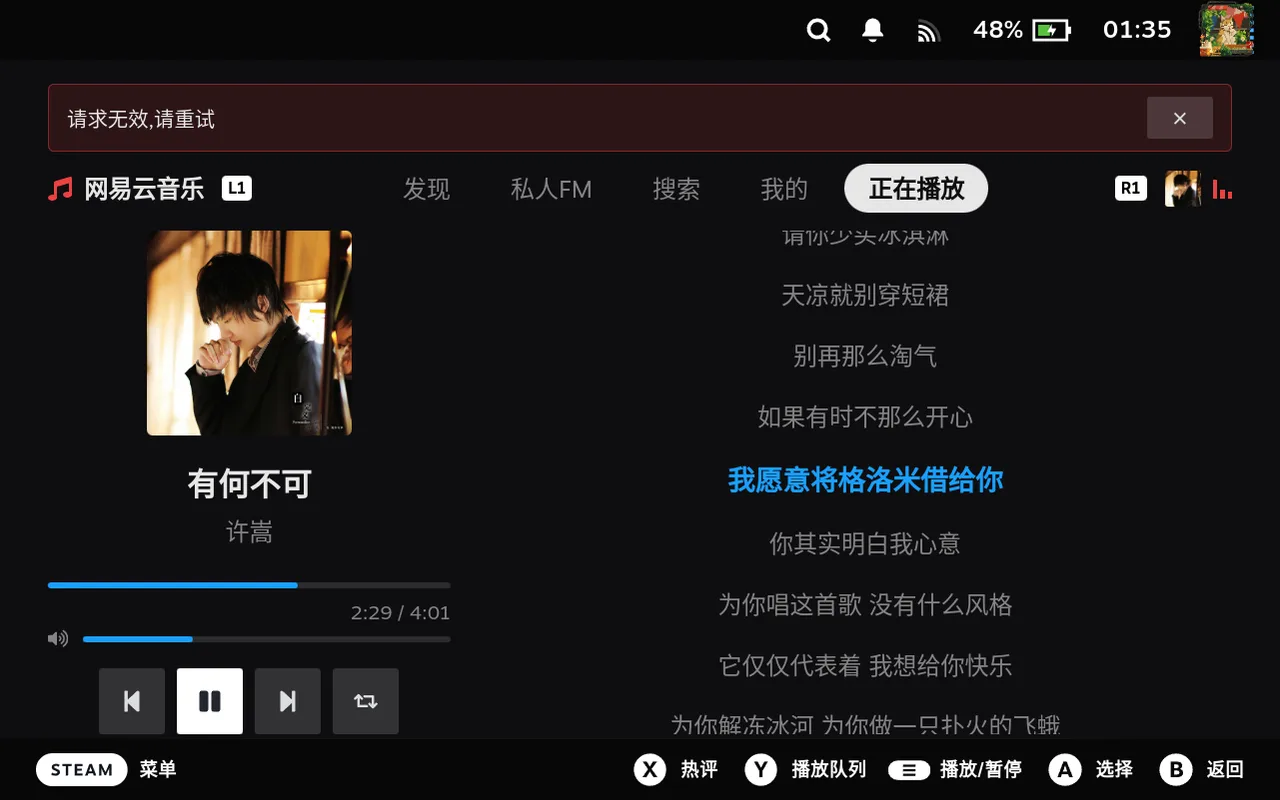 错误降级提示Graceful error state
打游戏时,音乐插件应该是「隐形」的。以下数字来自 Steam Deck 真机与本地实测记录。 While you game, a music plugin should be invisible. Figures below come from on-device Steam Deck and local measurements.
每一行按各自的最大值缩放,越短越好。悬停查看测量条件。Each row is scaled to its own maximum — shorter is better. Hover for test conditions.
来源:路线图与验收记录。数值随网络、账号与上游服务状态变化,仅代表记录时的测量结果。 Source: roadmap & verification log. Results vary with network, account and upstream service state; they reflect the recorded runs only.
界面只跟 bridge 说话;bridge 是唯一的状态真相源;联网和出声交给插件沙盒外的两个 Rust 进程。 The UI only talks to the bridge; the bridge owns all state; networking and audio live in two Rust processes outside the plugin sandbox.
网络请求、解码与后端异常都在独立进程里,插件内降级为错误态;子进程崩了由 bridge 自动拉起。Network calls, decoding and backend faults stay in separate processes and degrade to an in-plugin error state; crashed children are restarted by the bridge.
bridge 与子进程走 Unix 域套接字 + NDJSON 协议 v1,不监听任何 TCP 端口;Rust 两端共用
wire crate。The bridge talks to its children over a Unix domain socket with NDJSON protocol v1 — no
TCP listener at all. Both Rust sides share the wire crate.
播放 URL、Cookie 与凭证从不写入日志或发给界面;二进制安装时按 SHA-256 校验。Play URLs, cookies and credentials never reach logs or the UI; binaries are SHA-256 verified at install.